Table of Contents
Symptom
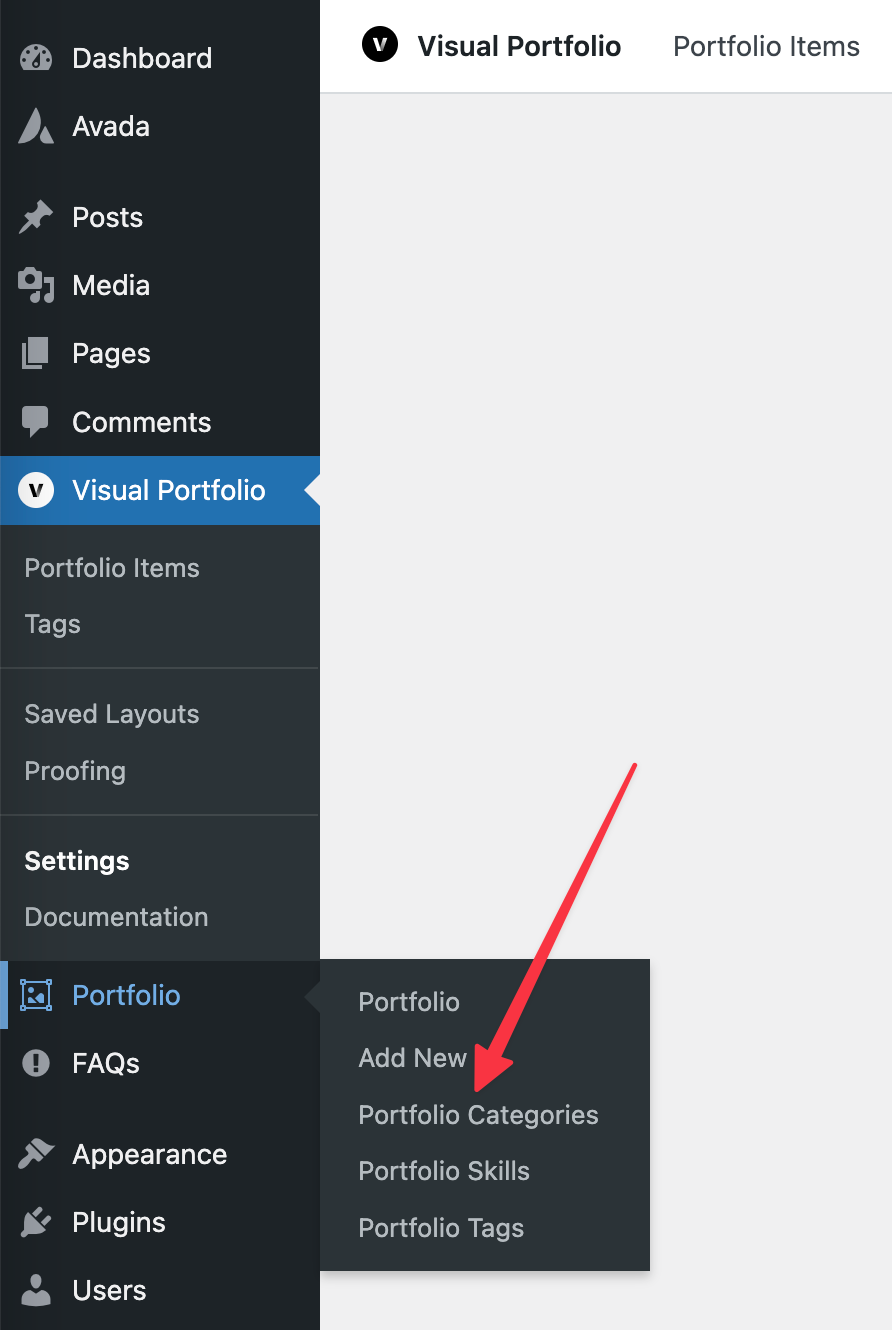
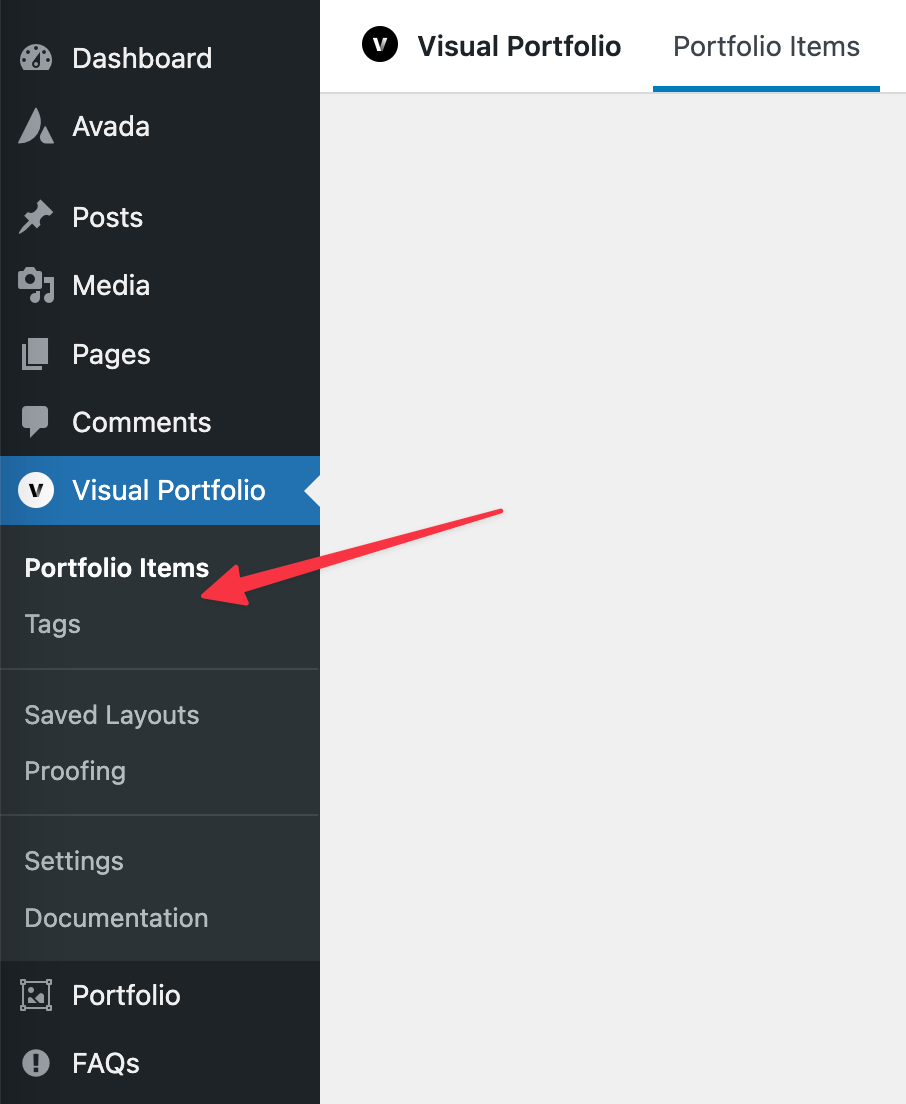
With Avada Core active, the Categories entry disappears from the Visual Portfolio menu.
Cause
Avada registers its own Portfolio post type and taxonomies under the same names as the plugin’s, so only one of the two menus is registered.
Fix
Pick one of three ways out: turn off Avada’s portfolio, turn off the plugin’s portfolio, or keep both and reach the categories through Avada’s menu.
Turn off the Avada portfolio
Open Avada → Options → Advanced → Post Types and turn the Avada Portfolio off.
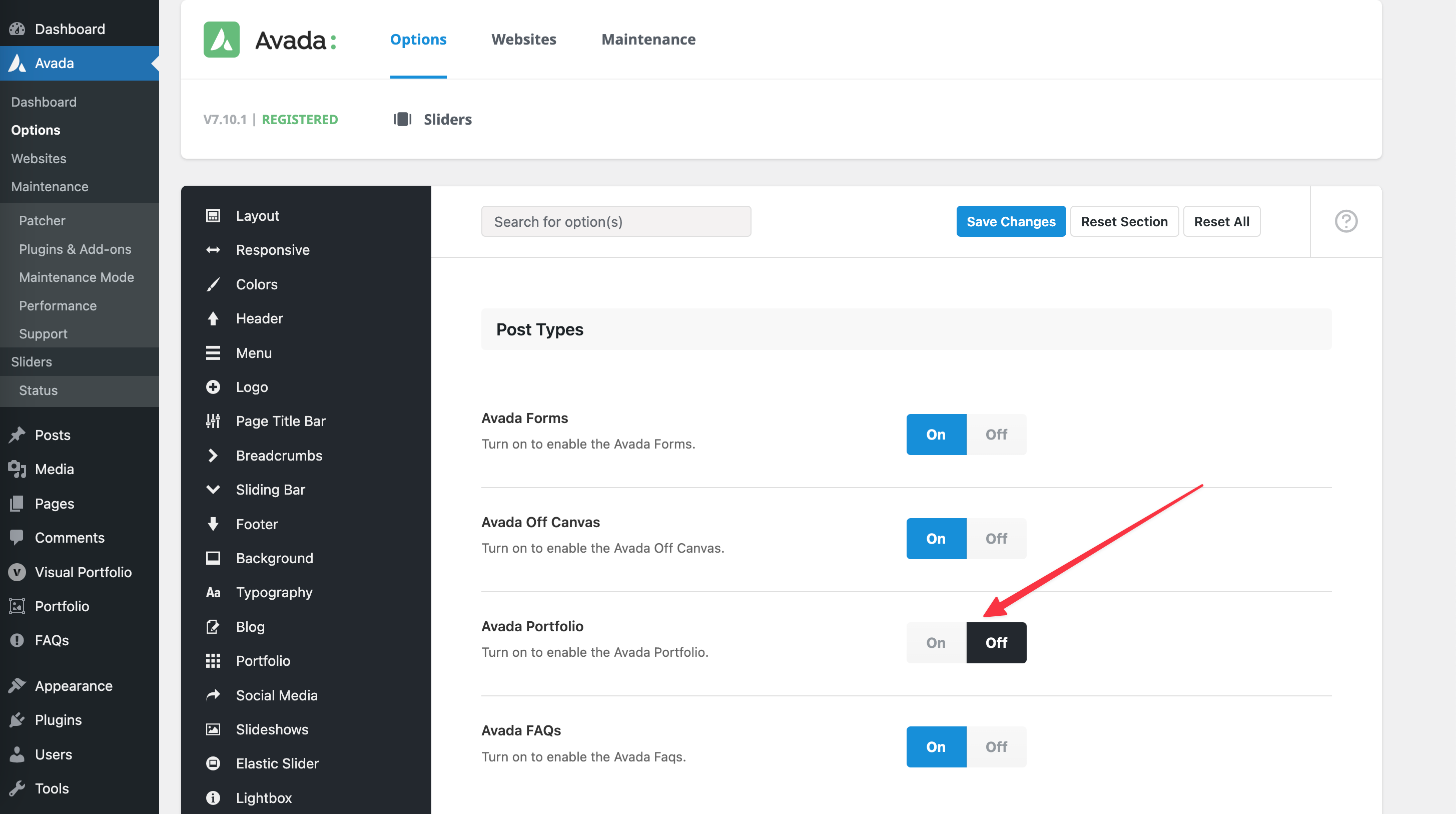
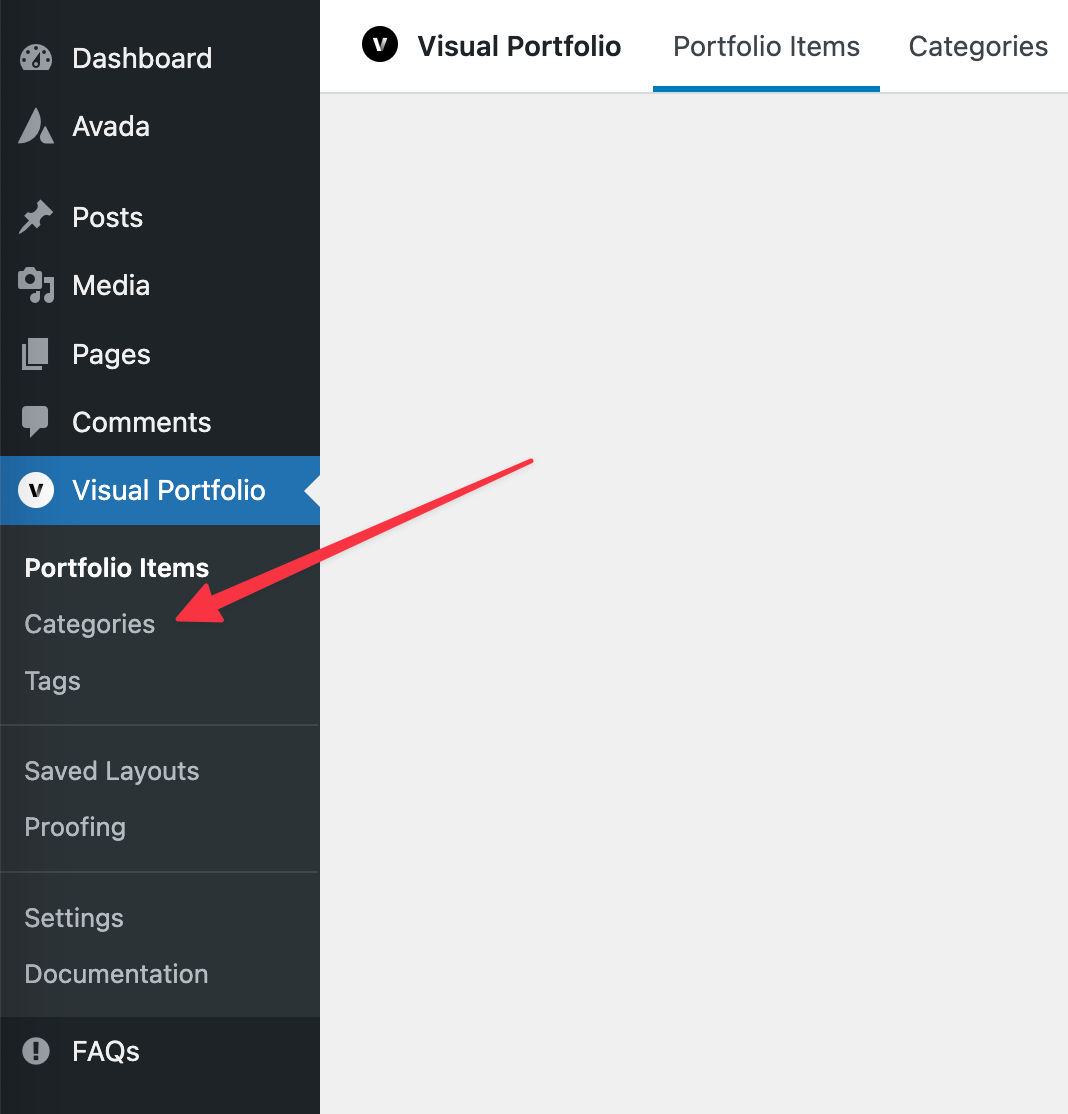
Click Save Changes and refresh the page. The plugin’s Categories entry is back in the Visual Portfolio menu.
Turn off the plugin’s portfolio
Open Visual Portfolio → Settings → General and turn Register Portfolio Post Type off.
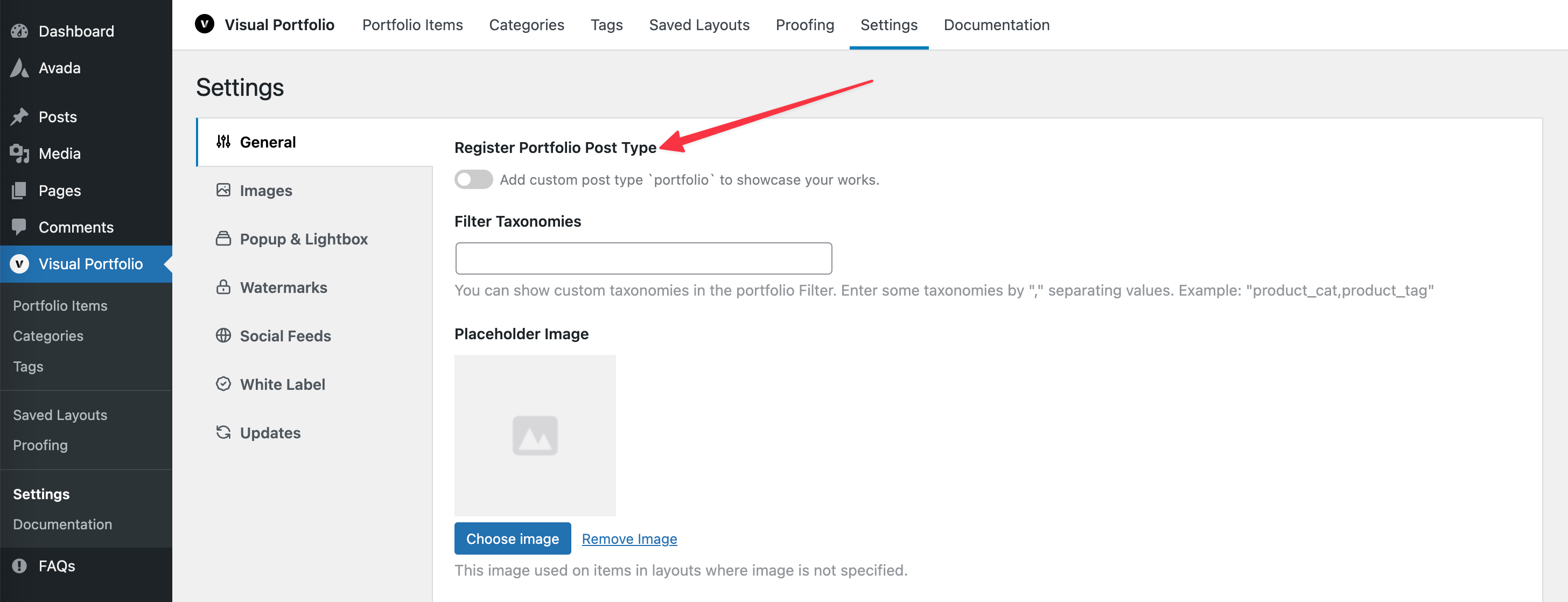
Click Save Changes. The projects you already created stay in the database, but they are no longer reachable from the admin menu while the option is off.
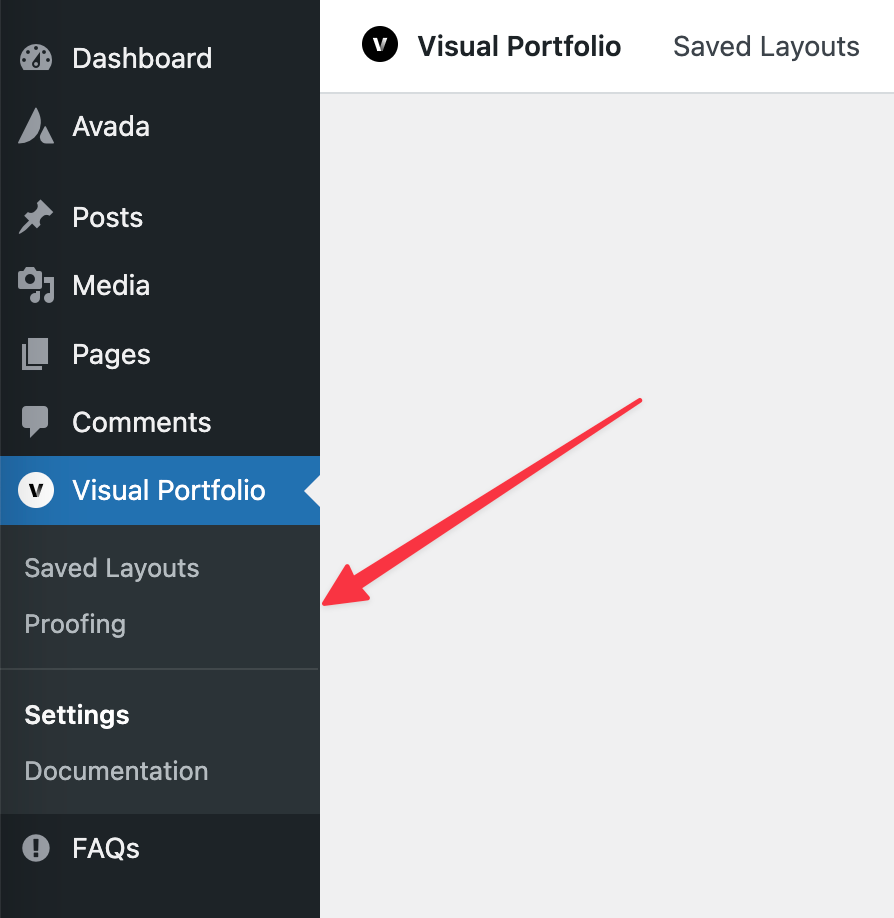
Keep both post types
Both can stay registered. The plugin’s Categories are then listed under Avada’s Portfolio menu instead of its own.