
Table of Contents
Standard settings
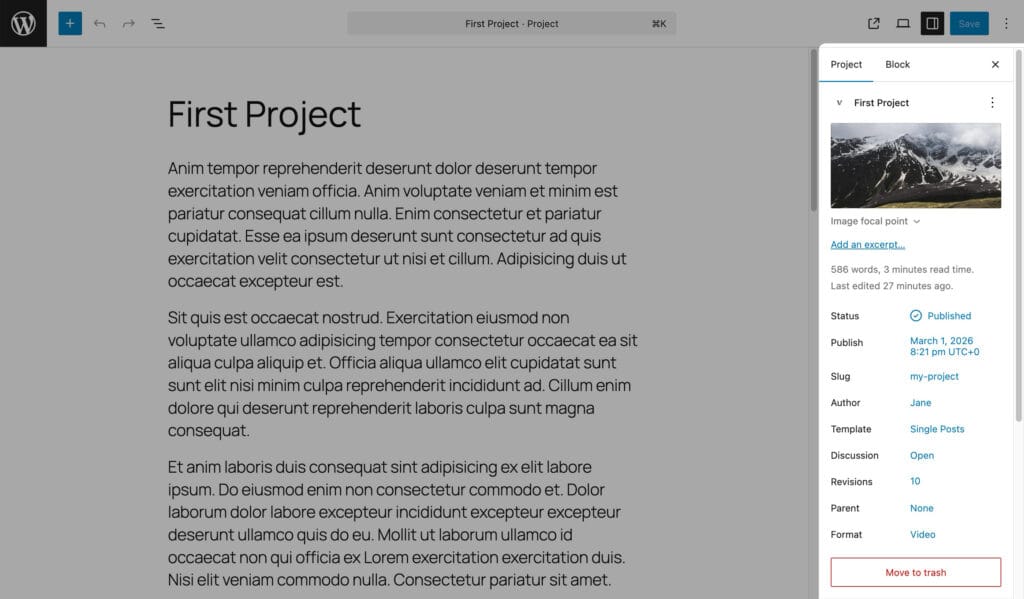
Everything a post has: title, content, excerpt, author, publish date, featured image, comments, revisions, and the Format dropdown (Standard, Image, Video; with Pro also Audio and Gallery). Categories and Tags are the Portfolio Categories and Portfolio Tags taxonomies.
Featured image focal point
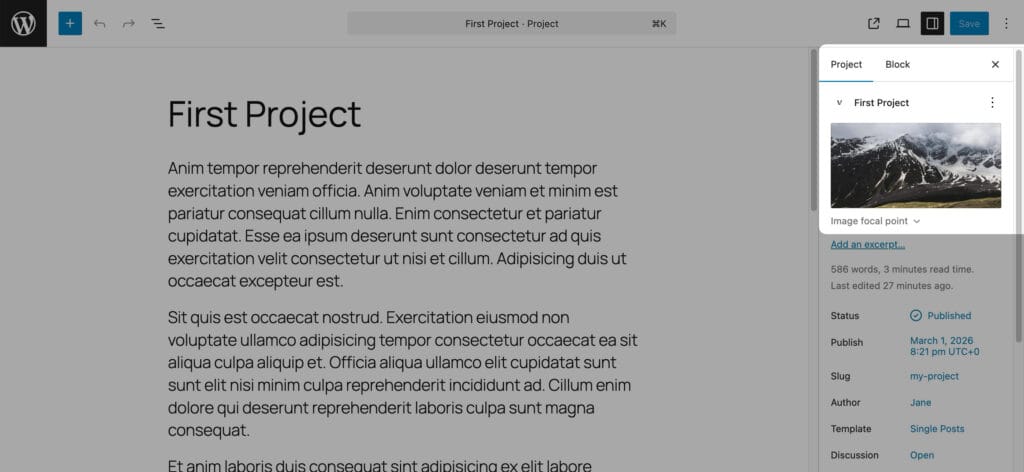
Under the featured image, in a collapsed panel, drag the marker to the part of the image that must stay visible when a layout crops it (Tiles, Grid and Masonry with an aspect ratio, Slider with a fixed height). The center is the default.
Video URL
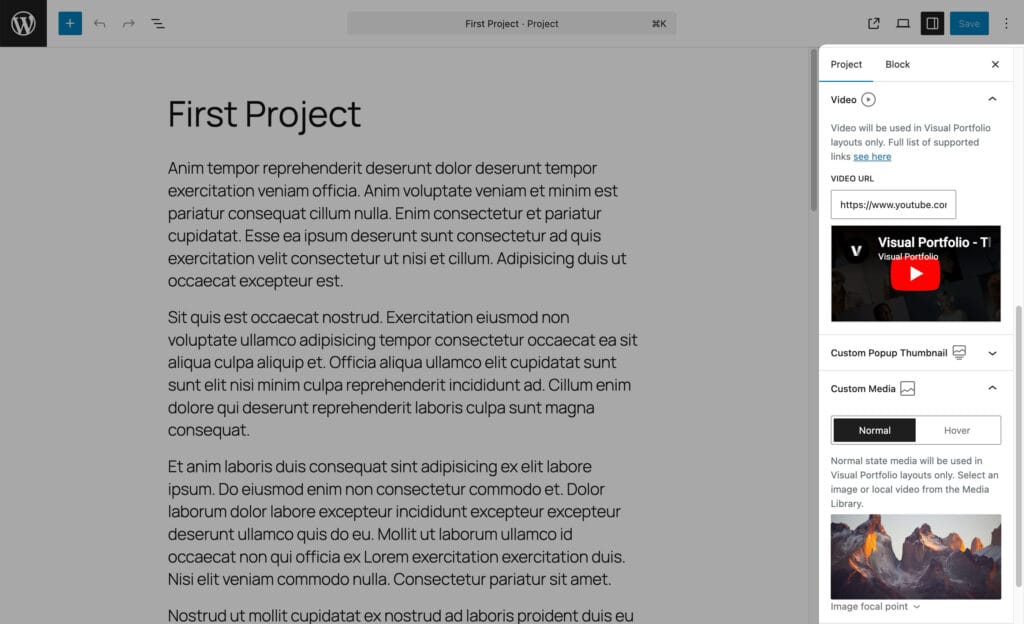
Shown when the Format is Video. Paste a video link (YouTube, Vimeo; more vendors with Pro, see Project Formats). Galleries mark the item as a video and open the video in the lightbox; the featured image remains the thumbnail.
Video URL is the project’s video. It is not what the gallery item shows in the grid; that is the featured image or the Custom Media (Pro).
In the classic editor the same field is a Video meta box.
Audio URL (Pro)
Pro Feature
This is a part of the Visual Portfolio Pro plugin.
Purchase the Pro plugin to access this and other advanced features.
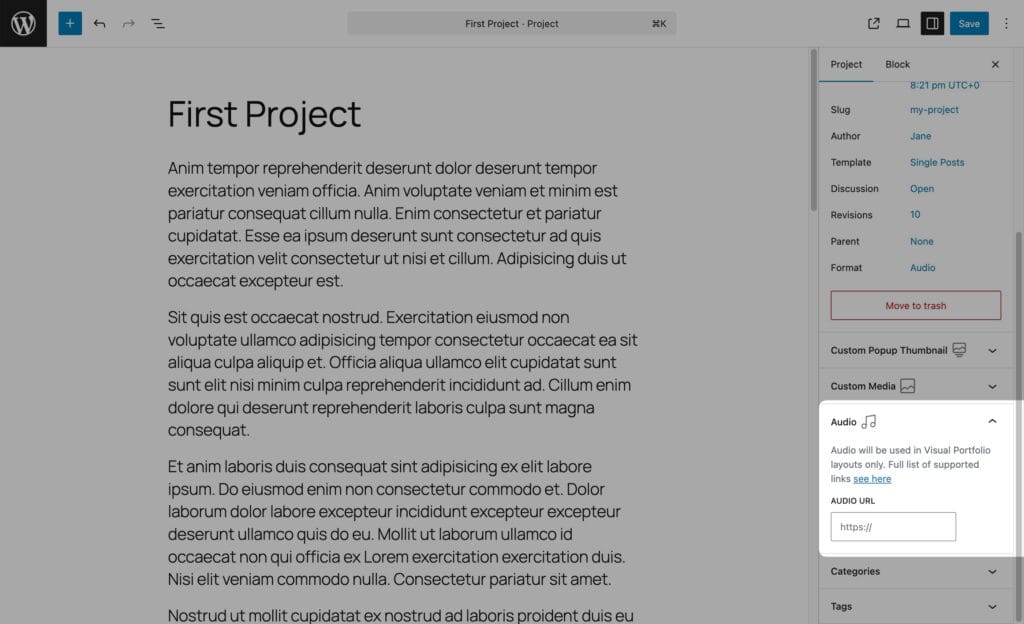
Shown when the Format is Audio. Spotify, SoundCloud, Mixcloud, Beatport or a self-hosted file. The gallery item shows a music icon and plays the audio in the lightbox.
Album Images (Pro)
Pro Feature
This is a part of the Visual Portfolio Pro plugin.
Purchase the Pro plugin to access this and other advanced features.
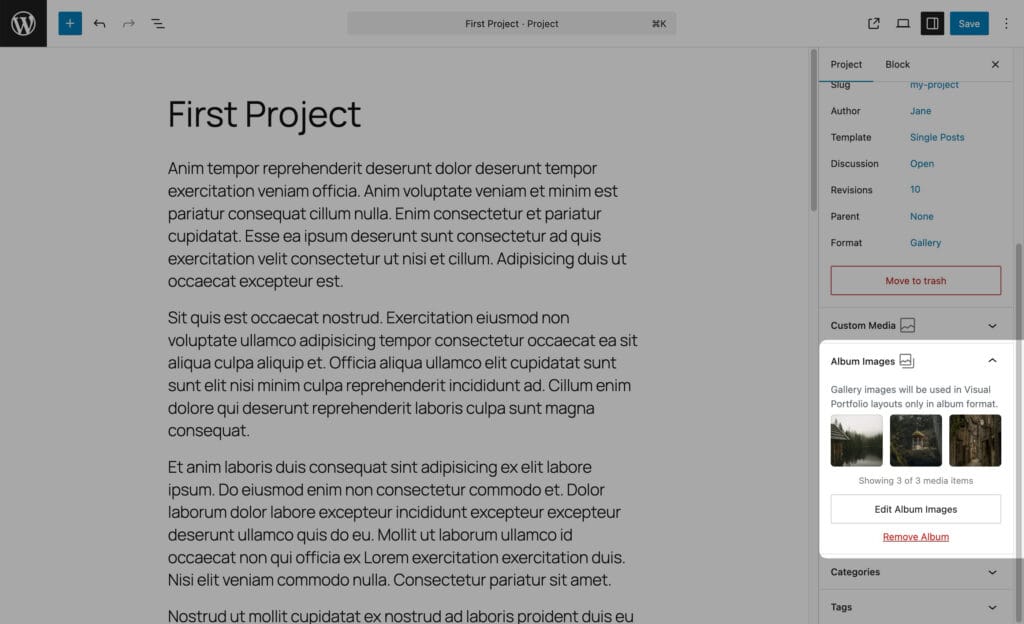
Shown when the Format is Gallery. Click Set Album Images and pick images; the item opens all of them in the lightbox. When no album images are set, the images attached to the project (uploaded from its editor) are used, up to 50. See Project Formats.
Custom Media (Pro)
Pro Feature
This is a part of the Visual Portfolio Pro plugin.
Purchase the Pro plugin to access this and other advanced features.
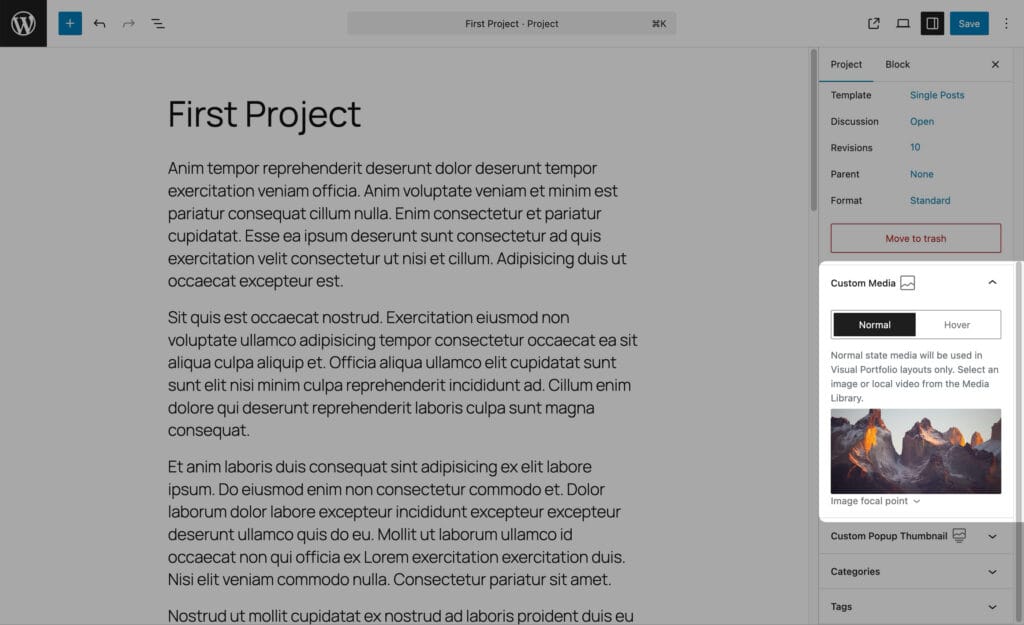
Two tabs.
- Normal holds an image or a local video from the Media Library, shown in galleries instead of the featured image. A local video plays inside the grid item, autoplaying when it scrolls into view. With a video you can pick a Cover Image that is shown until it plays; without one the video’s own featured image is used.
- Hover holds an image or a local video shown while the pointer is over the item. Images cross-fade; videos play on hover and pause when the pointer leaves.
Both tabs need the permission to upload media. The featured image is still what the theme shows on the single project page and in other plugins.
Custom Popup Thumbnail (Pro)
Pro Feature
This is a part of the Visual Portfolio Pro plugin.
Purchase the Pro plugin to access this and other advanced features.
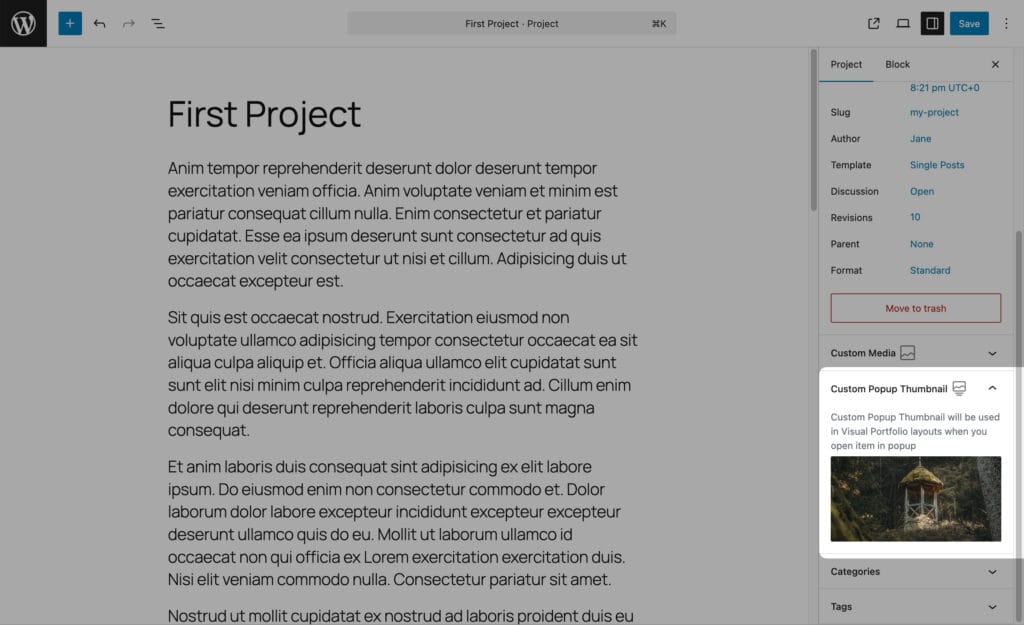
An image shown in the lightbox instead of the featured image. Shown once the project has a featured image or a custom media, and not for the Gallery format, because albums bring their own images. Which image the lightbox picks is decided by Display Image Priority in the block’s Click Action settings.