
Table of Contents
Single project pages, category archives and tag archives are rendered by your theme, as for any custom post type. The plugin controls the Portfolio page, the post type archive, only.
Block themes
Appearance → Editor → Templates. Edit or create:
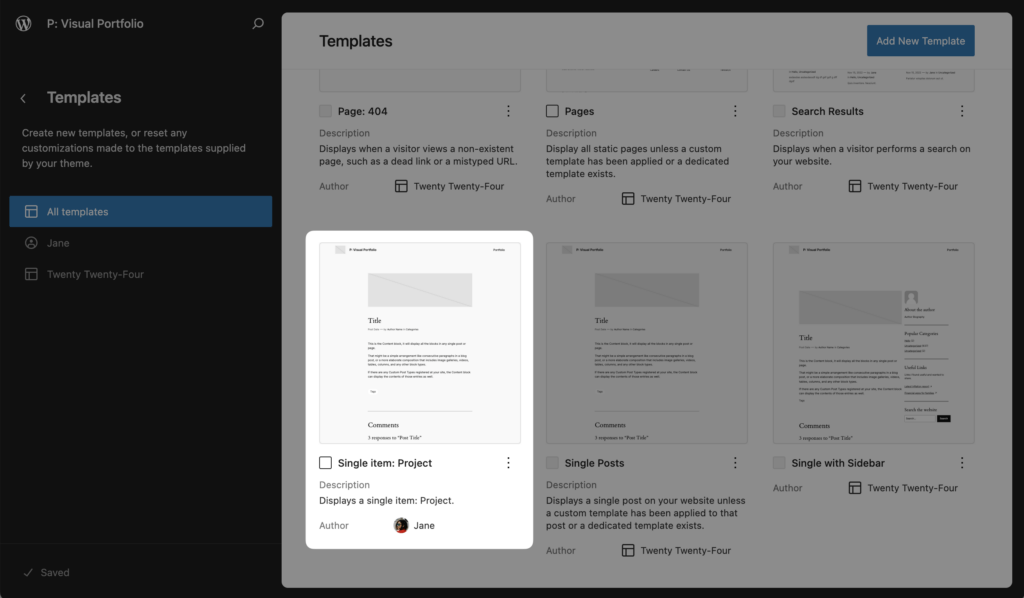
| Template | Renders |
|---|---|
| Single item: Project | One project |
| Archive: Project | Not used while an Archive Page is set; the Portfolio page renders the archive |
| Portfolio Category archive, Portfolio Tag archive | Not used; the Portfolio page renders them |
Inside the single template, use the Post Title, Post Featured Image, Post Content and Post Terms blocks. Post Terms offers Portfolio Categories and Portfolio Tags variations. See Taxonomies.
Classic themes
Copy the theme’s single.php to single-portfolio.php in your theme (a child theme is safer) and change the markup. The template hierarchy also accepts taxonomy-portfolio_category.php and taxonomy-portfolio_tag.php, but those views are handled by the Portfolio page unless you unset the Archive Page.
Read the project’s fields with get_post_meta(): _vp_format_video_url, _vp_format_audio_url (Pro), _vp_album_images (Pro, an array of attachment IDs), _vp_image_focal_point (x, y from 0 to 1).
Page builders
- Elementor. Enable Portfolio in Elementor → Settings → Post Types, then edit the project with Elementor. Elementor Pro’s theme builder can build the single template. See Elementor.
- WPBakery. Allow the Portfolio post type in WPBakery → Role Manager. See WPBakery Page Builder.
- Blocksy. The theme’s post type settings apply to Projects.