
Table of Contents
WPML
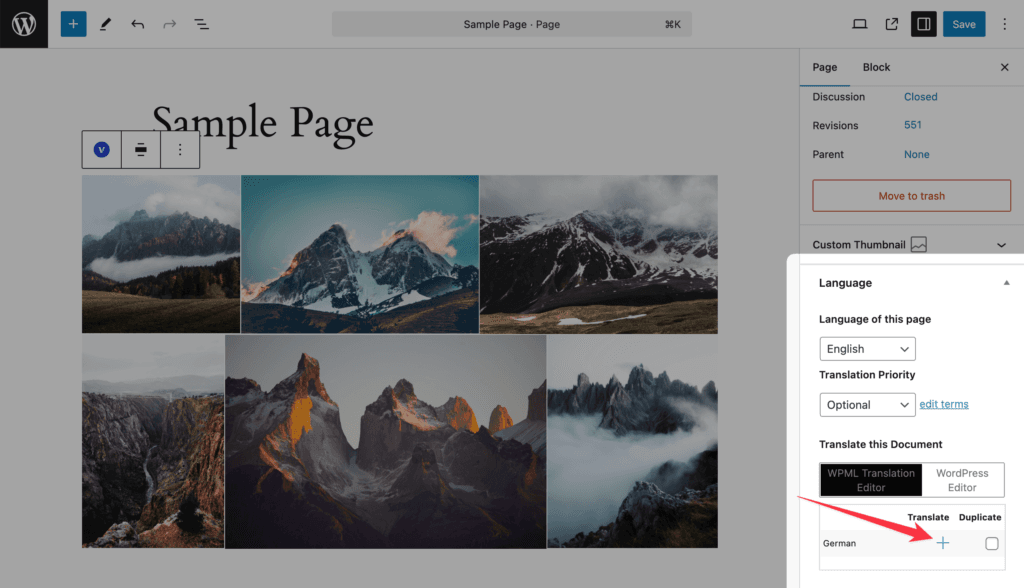
The plugin is WPML-compatible out of the box (wpml-config.xml in both plugins).
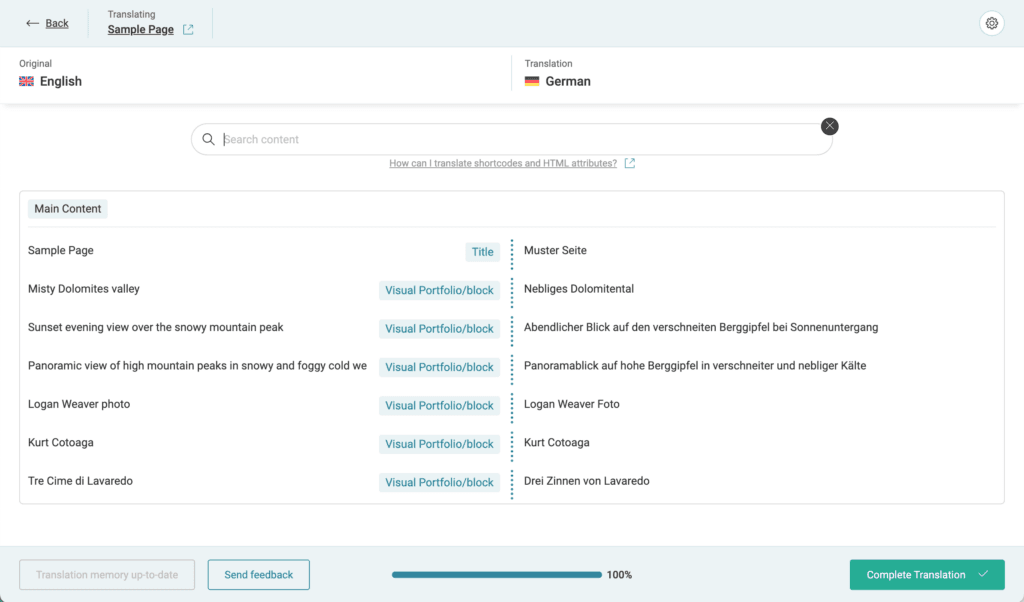
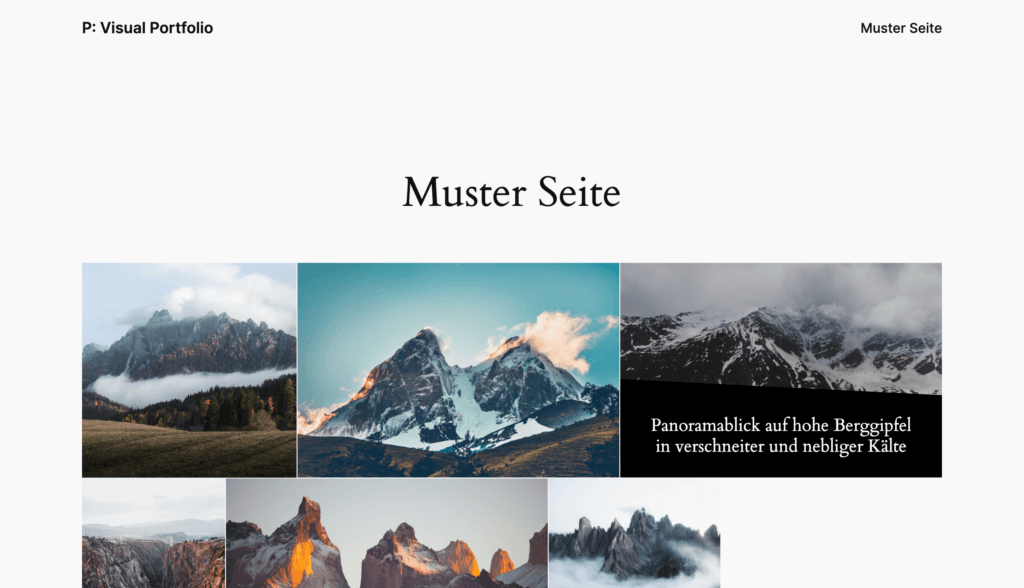
- Blocks: after you translate a page with WPML’s Advanced Translation Editor, the texts inside Visual Portfolio blocks are offered for translation: image titles, descriptions, authors and categories of Media galleries, the All button text, pagination texts, the Read More label, date formats and the no-items notice.
- Saved Layouts, Projects, Portfolio Categories and Portfolio Tags are translatable post types and taxonomies. A Saved Layout inserted by ID shows its translation on translated pages.
- Posts source: a gallery on a translated page shows the posts of that language; selected taxonomy terms are mapped to their translations.
- Portfolio page: translate the page; WPML’s translation is mapped as the archive page for that language automatically.
The archive slug rule
The Portfolio page slug is also the base of project URLs, so the archive page and the projects must share a slug per language, and the translated archive page must keep the same slug as the original:
| Language | Portfolio page | Project |
|---|---|---|
| English | example.com/portfolio/ | example.com/portfolio/item/ |
| German | example.com/de/portfolio/ | example.com/de/portfolio/item/ |
A translated archive page with a different slug (/de/portfolio-de/) makes its project URLs 404. The structures themselves are on Permalinks.
Polylang, TranslatePress, others
There is no dedicated integration. Galleries render on translated pages and the Posts source follows the language of the page through the language plugin’s own query filtering. The Portfolio page mapping applies to one page only, so with Polylang each language needs its own page with a Visual Portfolio block set to Current Query, and the project URL base follows the one Archive Page. Texts inside blocks are translated with the tool’s block or string translation, where it supports block attributes.