
Table of Contents
Connect
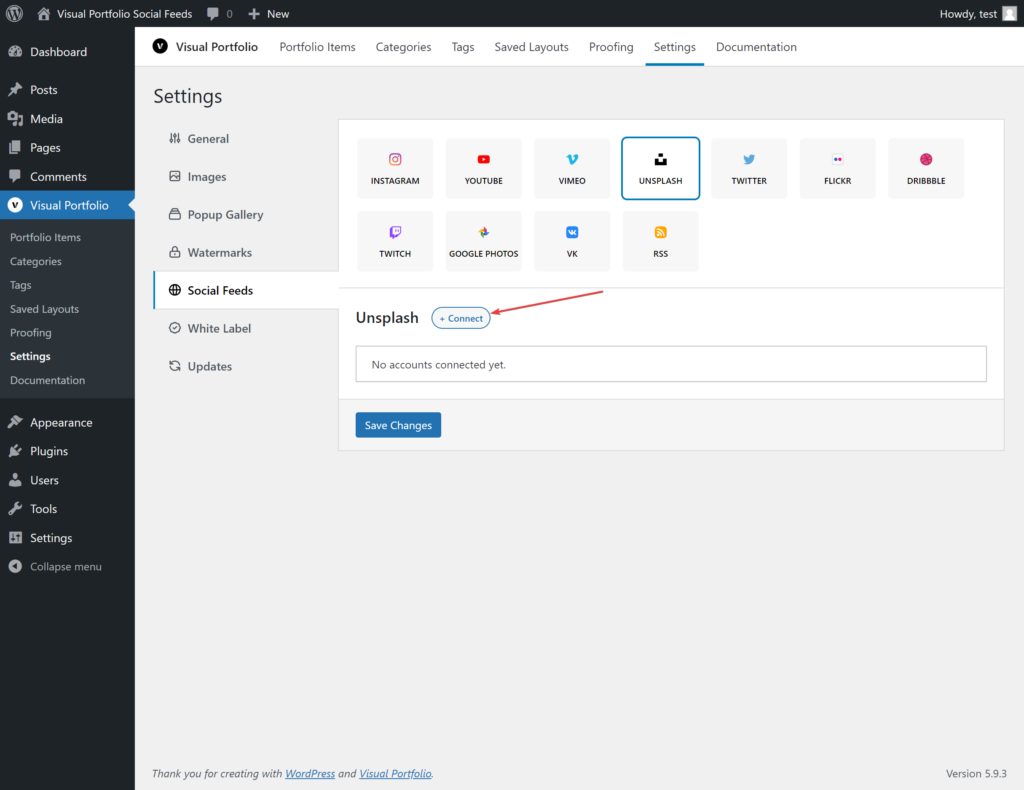
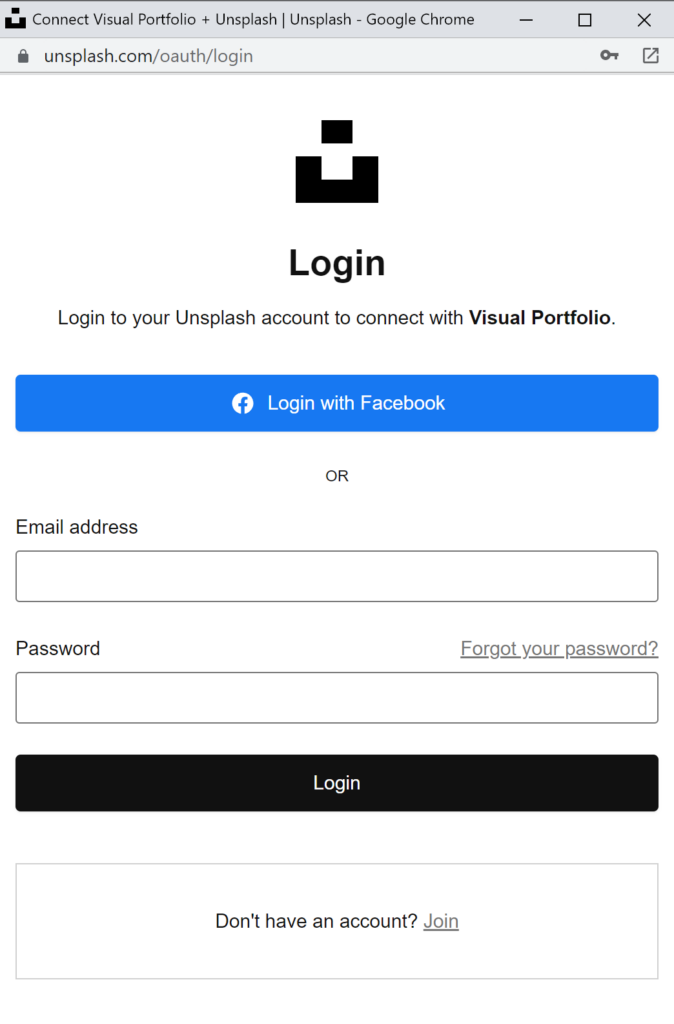
Settings → Social Feeds → Unsplash → + Connect → Get Access Token. Log in to Unsplash in the popup and authorize the app.
Fields
| Field | Values | Default |
|---|---|---|
| Name | Text | Unsplash Account #n |
| Source by | Search Photos, Search Collections, User Photos, User Collections, Collection ID | Search Photos |
| Search Terms | Text (Search Photos, Search Collections) | |
| Orientation | Landscape, Portrait, Squarish (Search Photos) | any |
| Order By | Relevant, Latest (Search Photos) | Relevant |
| Username | For User Photos and User Collections | |
| Collection Id | For Collection ID | |
| Max Photos | 1 to 200, fetched 30 per request | 30 |
What is imported
Photos with description, date and the photographer as the author (“By Name on Unsplash”, linked with Unsplash’s attribution parameters). Unsplash photos are not stored on your server: they are shown from Unsplash’s CDN at the sizes your Settings → Images define, and the list refreshes every three hours. They do not appear in Social Items.