Display Vimeo channels, playlists, or albums as a styled WordPress gallery with popup playback and pagination.

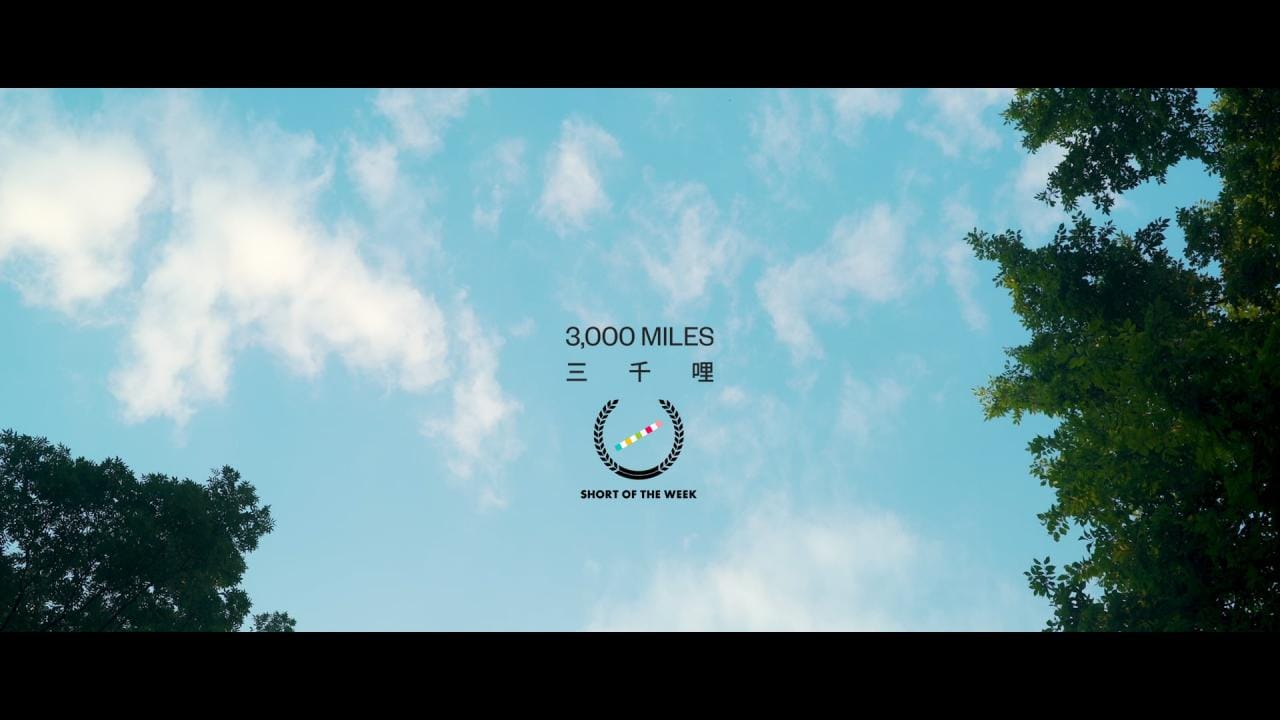

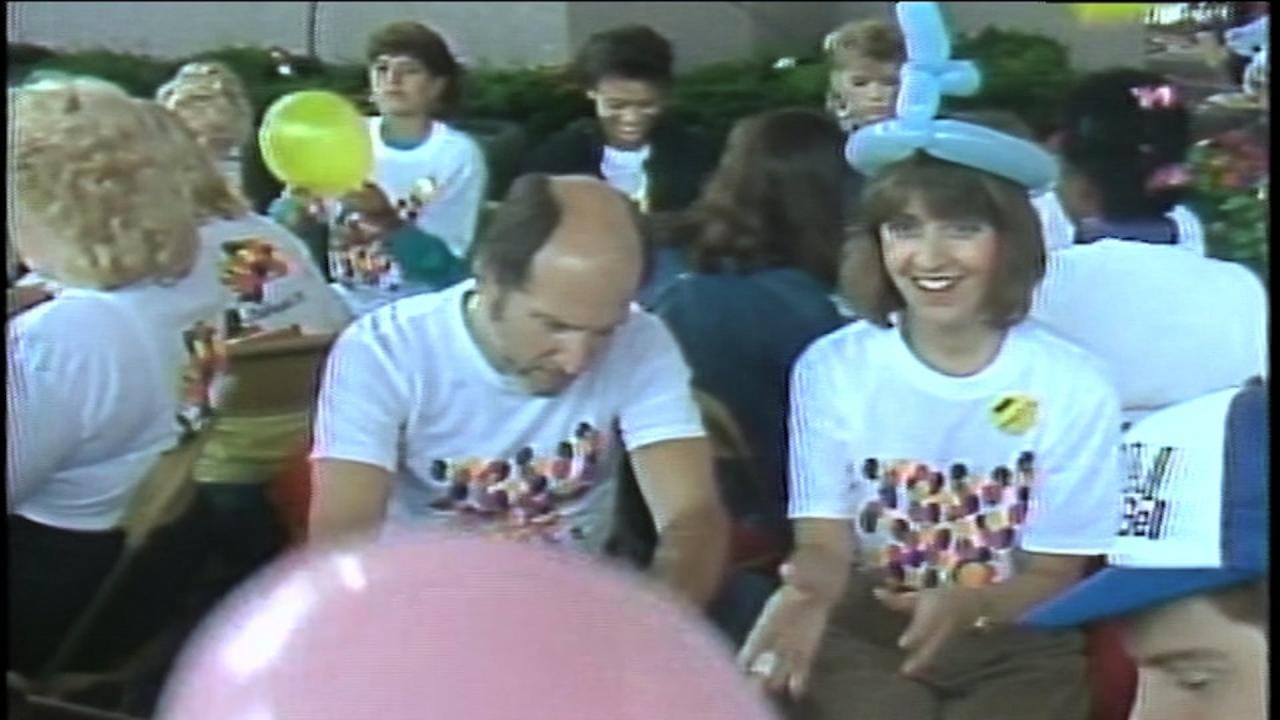
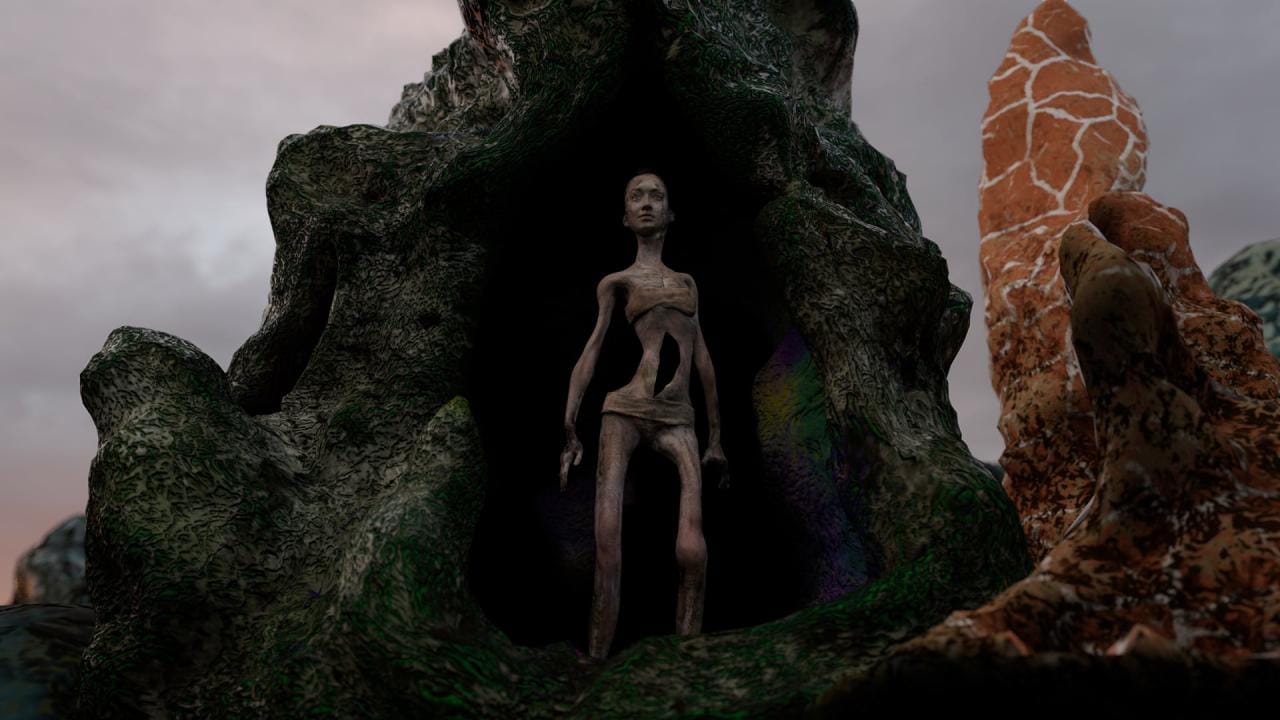


A Vimeo channel as a WordPress gallery
The tiles above are not embeds. They are a Vimeo account read through the Vimeo API and stored in WordPress as posts, then laid out by the same Gallery block that handles media galleries and post grids. Each video becomes a Social Item carrying its title, description, date, duration and comments count, with the uploader as the author. The thumbnail is downloaded to your own uploads folder, so the grid renders off your server.
The alternative is an embed block per video. Thirty videos means thirty blocks to keep in order, and thirty player iframes load slowly. Pick the feed when the list changes without you editing the page, a channel you curate or an album you keep adding to. Pick embeds when a single video belongs inside an article. YouTube runs through the same importer, so the YouTube feed gallery is this setup with a different tab.
The Videos of field and the rest of the form
One connected account feeds one block, and the account form decides how much of the channel comes across. Every field is on the Vimeo feed documentation page.
- Videos of takes User, Album, Group or Channel. A user is the numeric ID or the vanity name from the profile URL, and a group or channel is its slug.
- For users, groups and channels you can paste the whole Vimeo URL into the ID field. Albums need the bare number.
- Max Videos accepts 1 to 200 and defaults to 30. That is how many of the newest videos each sync asks Vimeo for.
- Display Comments Count works for Vimeo. Display Views Count is limited to YouTube and Flickr, and like counts are imported but never rendered.
- Order by is Date or Title, Order Direction defaults to DESC, and All Items shows up to the account’s Max Videos.
- The Filter element has nothing to list for social items, which is why the demo above runs on paged pagination with no category row.
Three steps, one of them on Vimeo’s site
- Create an app at developer.vimeo.com/apps, then generate a personal access token on its Authentication tab. The public scope covers public videos, the private scope your own private ones.
- Back in WordPress, open Settings, Social Feeds, Vimeo and click + Connect. Paste the Client ID, Access Token and Client Secret, set Videos of and the matching ID, then Save Changes. The import starts on save.
- Add a Gallery block, set Content Source to Social, pick Vimeo and your account, then a layout. The demo above runs Tiles on a two column pattern with the Fade skin.
Vimeo feeds sit on the paid side
Everything that shapes the gallery above ships in the free plugin. The part that needs a license is the importer that fills it from Vimeo. Pro contains the free plugin, so this is one install and not two. The full split is in the free versus Pro table, and the tiers are on the pricing page.
- The Social content source is Pro, and with it Vimeo, Instagram, YouTube, Unsplash, X, Flickr, Dribbble, Twitch and RSS.
- So are the Social Feeds settings tab and the Social Items and Social Profiles screens.
- Tiles, the layout in the demo, is free. So are Masonry, Grid, Justified and Carousel, and the Classic, Fade, Fly and Emerge skins.
- Paged pagination is free, as are load more, infinite scroll and a lightbox that plays Vimeo.
What we get asked about Vimeo feeds
When does a new upload reach the gallery?
A full sync runs on WP-Cron every 2 hours, five accounts per run, and a 5 minute job refreshes one account whose data is older than 3 hours. Saving the Social Feeds settings imports a new account at once, and Sync All Accounts on the Social Items screen forces a run. WP-Cron only fires when someone visits the site, so a real server cron is what keeps the update schedule predictable.
Can I edit a video after it is imported?
Yes. Visual Portfolio, Social Items holds one entry per imported video, and the title, content, featured image, format and links are all editable there. A sync only adds new posts and never overwrites an existing one, so your edits survive. That cuts both ways, and a description you rewrite on Vimeo will not come back down. Editing imported posts covers each field.
Where do the thumbnails live?
Under wp-content/uploads/visual-portfolio-pro/, in a folder named for the network, registered in the Media Library and reachable through its Social filter, as where social images are stored explains. The videos themselves never leave Vimeo and play through the Vimeo player in the lightbox. Removing an account deletes its Social Items and leaves the downloaded files in the Media Library.