
Table of Contents
Visual Portfolio → Projects. A project is a post of the portfolio post type. It has a title, content, an author, a featured image, an excerpt, comments, revisions, a post format and custom fields, and it belongs to Portfolio Categories and Portfolio Tags.
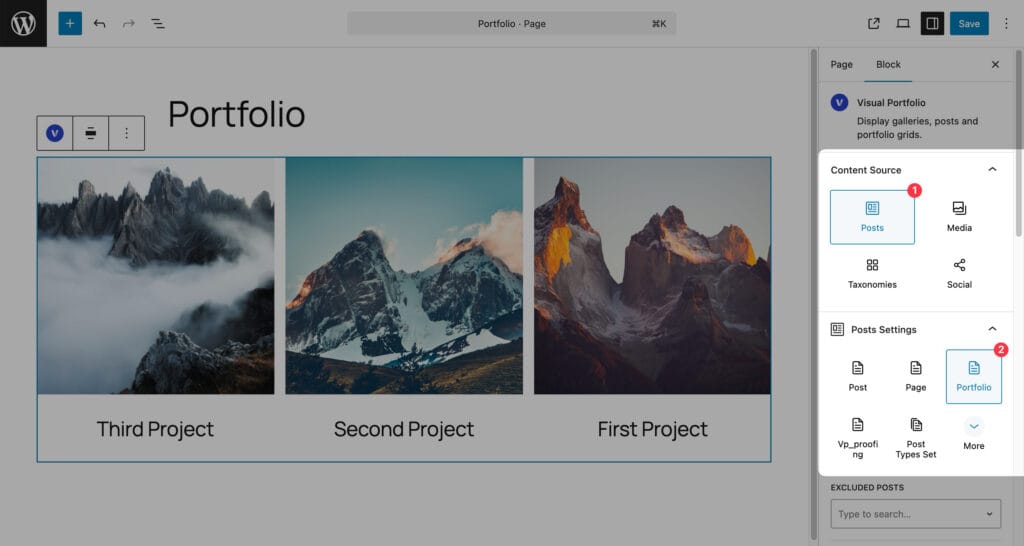
Projects are listed on the Portfolio page, in any Visual Portfolio block with the Posts source and the Portfolio post type, and on their own single pages rendered by your theme.
Create a project
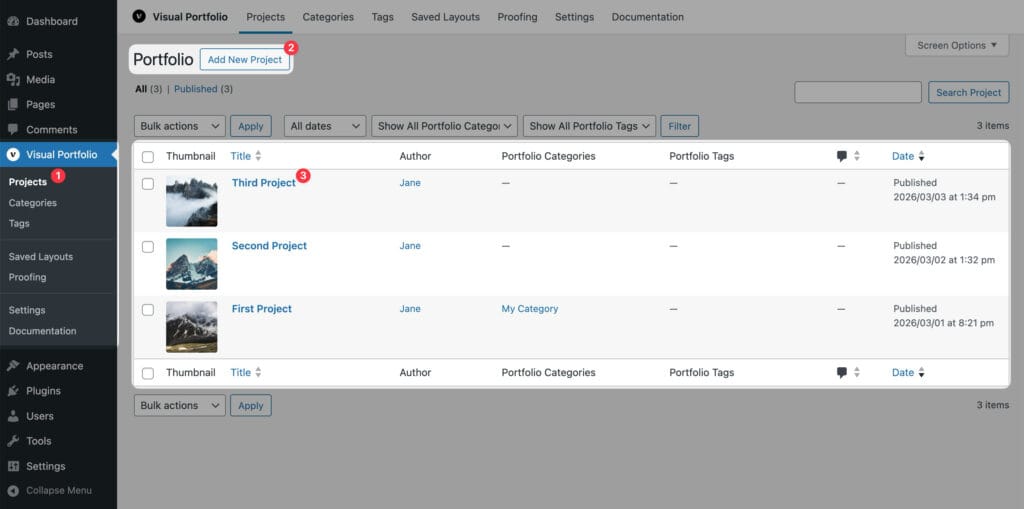
- Visual Portfolio → Projects → Add New Project.
- Title and content as for a post.
- Set a Featured image. Galleries show it; a project without one shows the Placeholder Image from Settings → General.
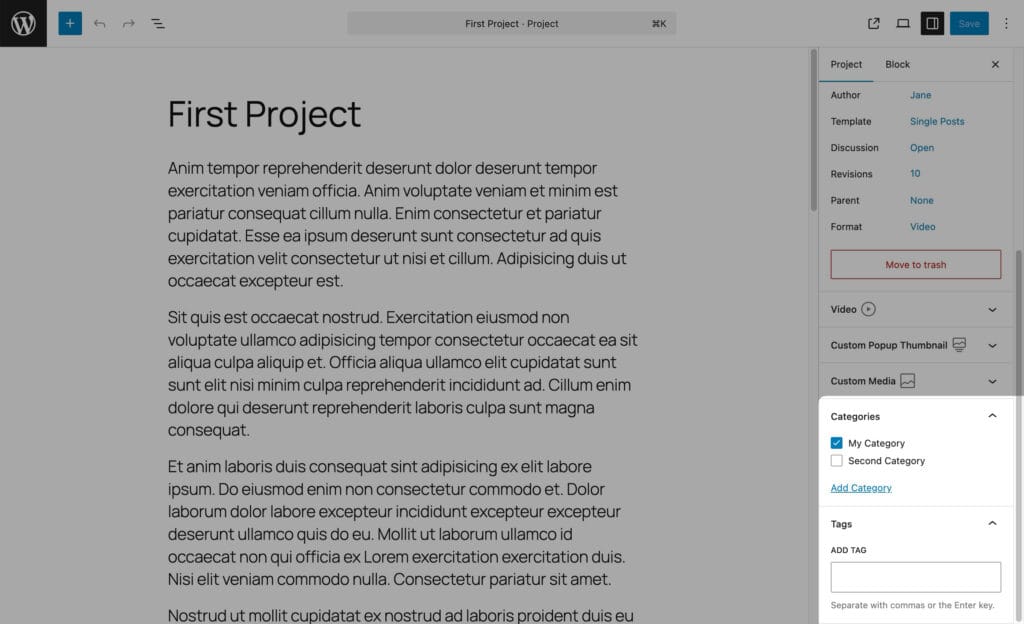
- Assign categories and tags for the filter.
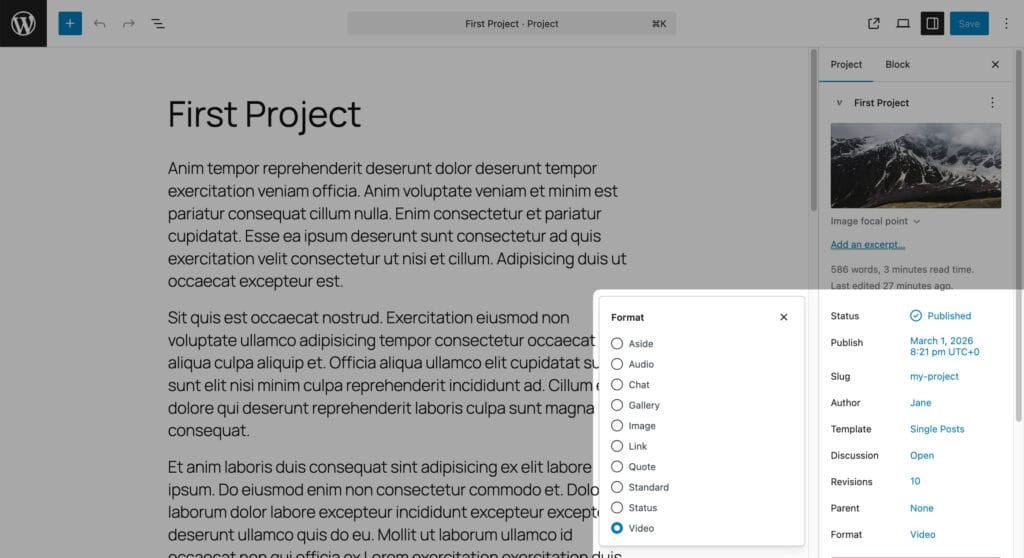
- Choose a Format if the project is a video, audio or gallery item. See Project Formats.
- Publish.
Project sidebar panels
| Panel | Plan | What it holds |
|---|---|---|
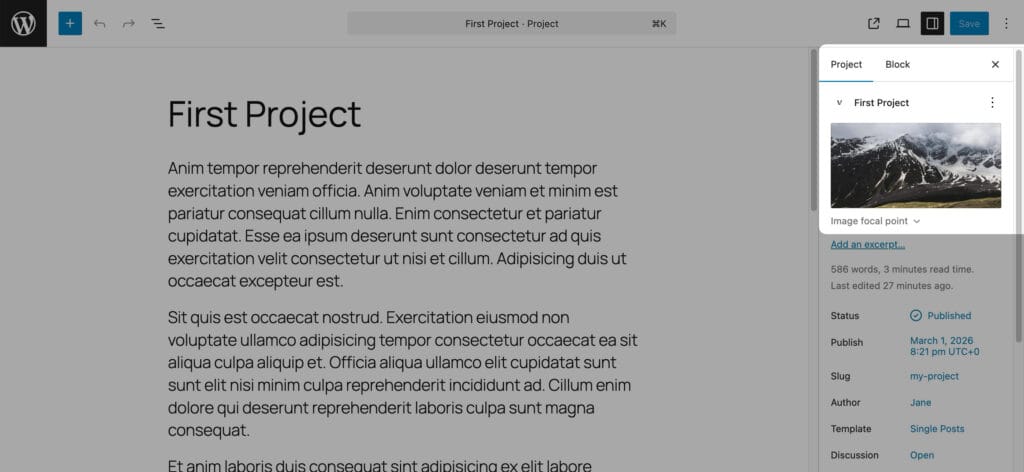
| Featured image, with a focal point picker in a collapsed panel under it | Free | The point of the image that stays visible when galleries crop it |
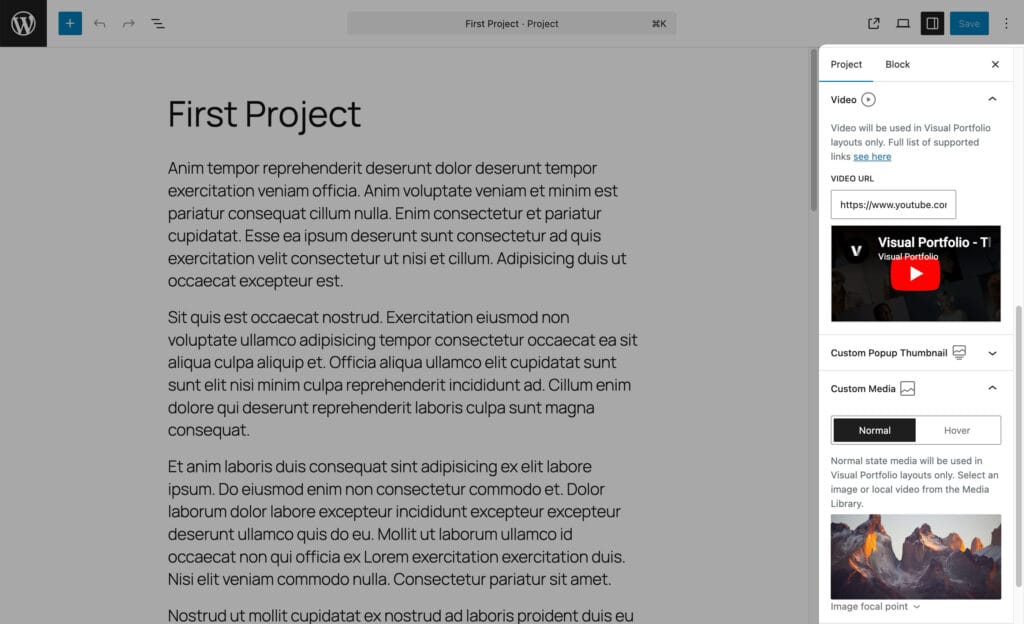
| Video (Video format only) | Free | Video URL |
| Audio (Audio format only) | Pro | Audio URL |
| Album Images (Gallery format only) | Pro | The images the item opens in the lightbox |
| Custom Media | Pro | A different image or a local video for the gallery item, for the normal and the hover state |
| Custom Popup Thumbnail | Pro | A different image for the lightbox |
Details on Project Settings.
Admin list
The Projects list has a Thumbnail column and dropdown filters by Portfolio Category and Portfolio Tag. The Dashboard shows a Portfolio Activity widget with the five latest projects, and a project count in At a Glance.
Without the Project post type
Switch off Register Portfolio Post Type in Settings → General if you only need galleries. Projects, Categories and Tags disappear from the menu; existing project posts stay in the database and come back when the option is switched on again.
Reordering, cloning
Projects have no drag-and-drop order. Use a post-order plugin (Post Types Order, Simple Page Ordering) and set the block’s Order By to Menu Order. To duplicate a project use a duplication plugin such as Yoast Duplicate Post, enabled for the Portfolio post type.
Who can edit projects
Administrators, Editors and the two roles the plugin adds. See Roles and capabilities.