
- Create a Saved Layout.
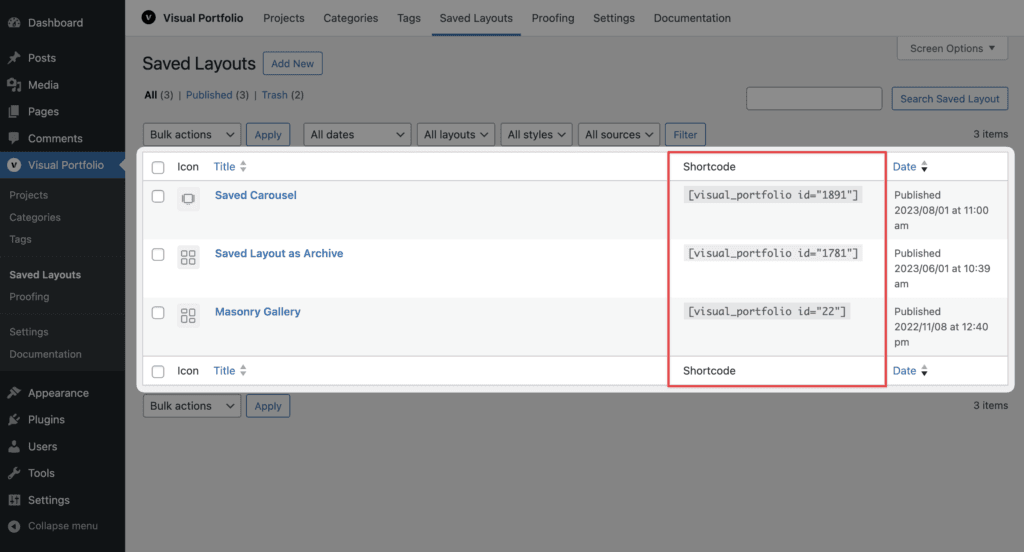
- In the post editor, click the Visual Portfolio button in the toolbar and choose the layout, or paste
[visual_portfolio id="123"]into the content. - Publish.
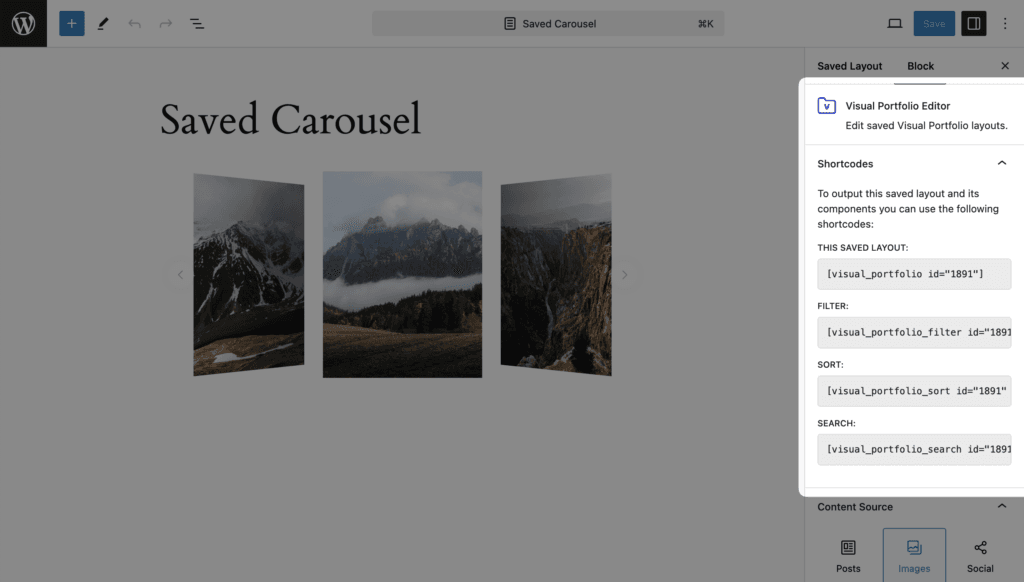
The Saved Layouts editor itself opens in the block editor even when the Classic Editor plugin is active; only the pages that use the shortcode stay classic.