
Table of Contents
Connect
- Create an API key: Google Cloud Console → a project → APIs & Services → Enable YouTube Data API v3 → Credentials → Create credentials → API key.
- Find the channel ID: YouTube → Settings → Advanced settings → Channel ID (starts with
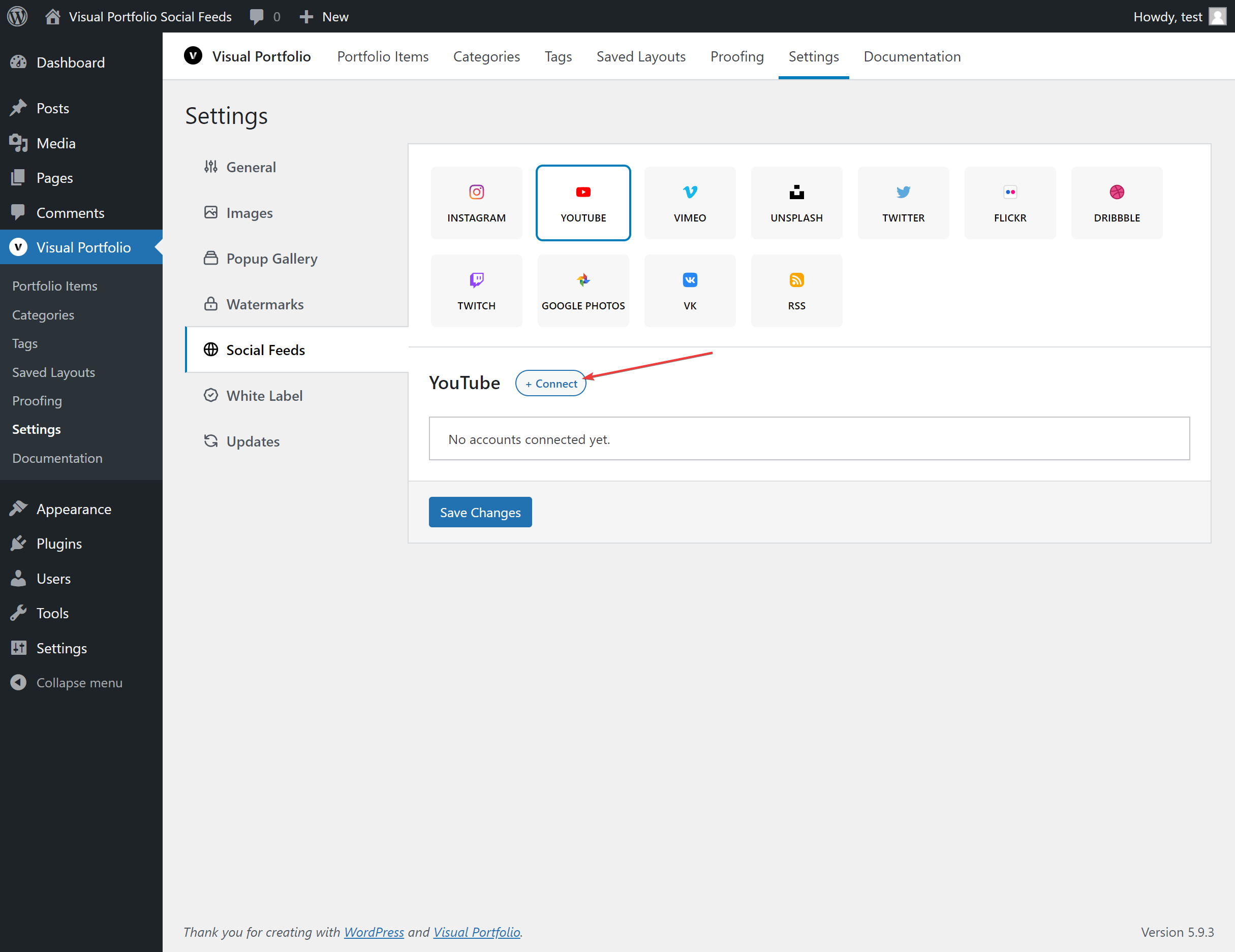
UC). For another channel, open its page and use “View page source” to findchannelId, or a channel ID lookup tool. - Settings → Social Feeds → YouTube → + Connect, paste both, Save Changes.
Fields
| Field | Values | Default |
|---|---|---|
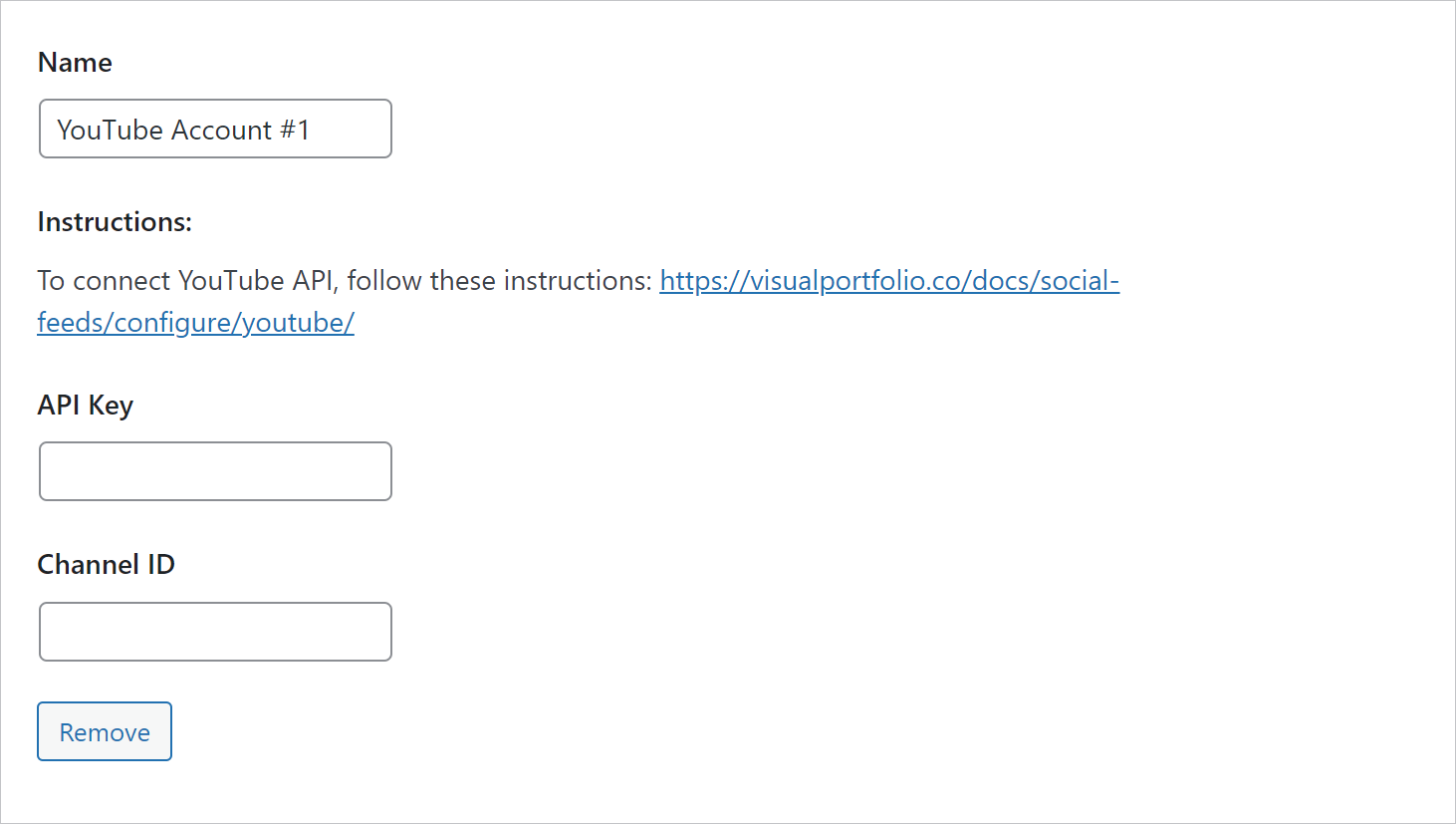
| Name | Text | YouTube Account #n |
| API Key | The key | |
| Channel ID | UC… | |
| Medias of | Channel, Channel Playlist | Channel |
| Playlist | A dropdown of the channel’s playlists, loaded once key and channel ID are entered | |
| Max Videos | 1 to 200 | 30 |
What is imported
Title, description, thumbnail, publish date, comments and views counts, and the channel as the author. Videos play in the lightbox through the YouTube player; they are not downloaded.
Quota
The YouTube Data API allows 10,000 units per day per project by default. One sync of an account costs about 100 units per 50 videos plus 1 unit per video (roughly 160 units for 30 videos). With the two-hourly sync that is well under the quota for one account; many accounts with Max Videos at 200 can reach it. If Google reports quota exceeded, the feed keeps the last import until the next day.