
Pro Feature
This is a part of the Visual Portfolio Pro plugin.
Purchase the Pro plugin to access this and other advanced features.
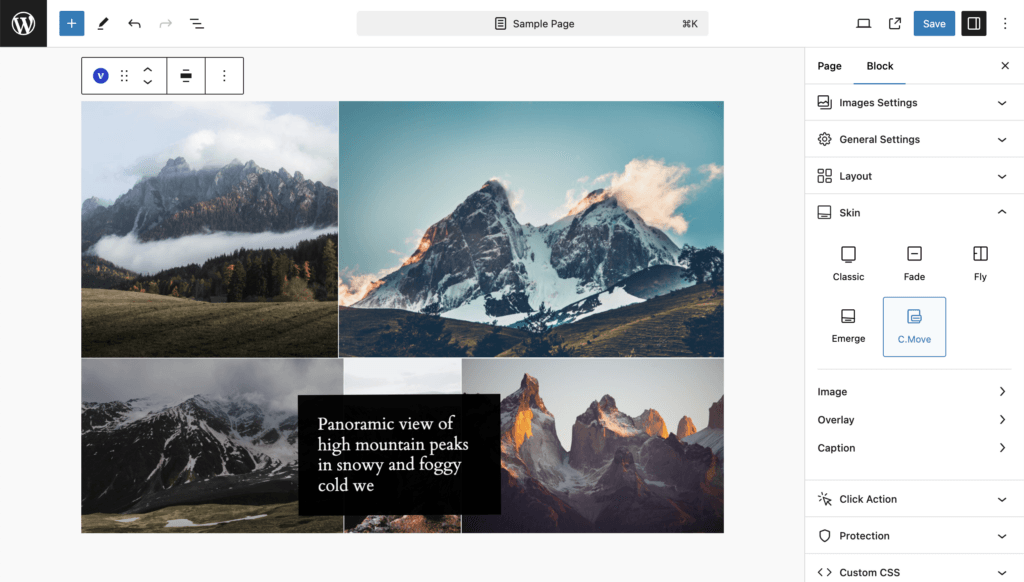
The caption becomes a floating box that follows the pointer over the image, kept inside the viewport, and fades out when the pointer leaves. An overlay tint and an icon can be shown as well. The skin appears in the Skin selector as C.Move.
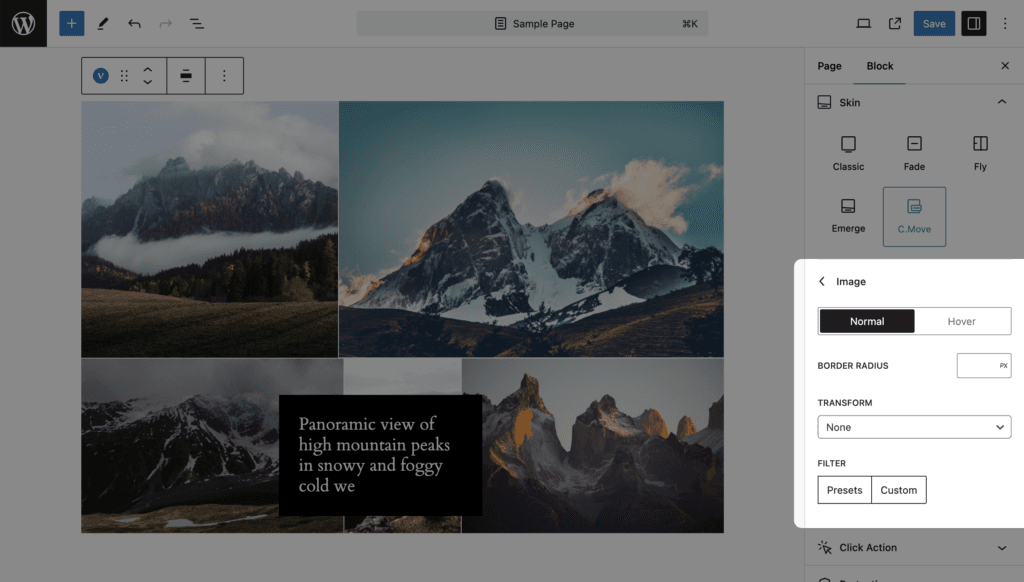
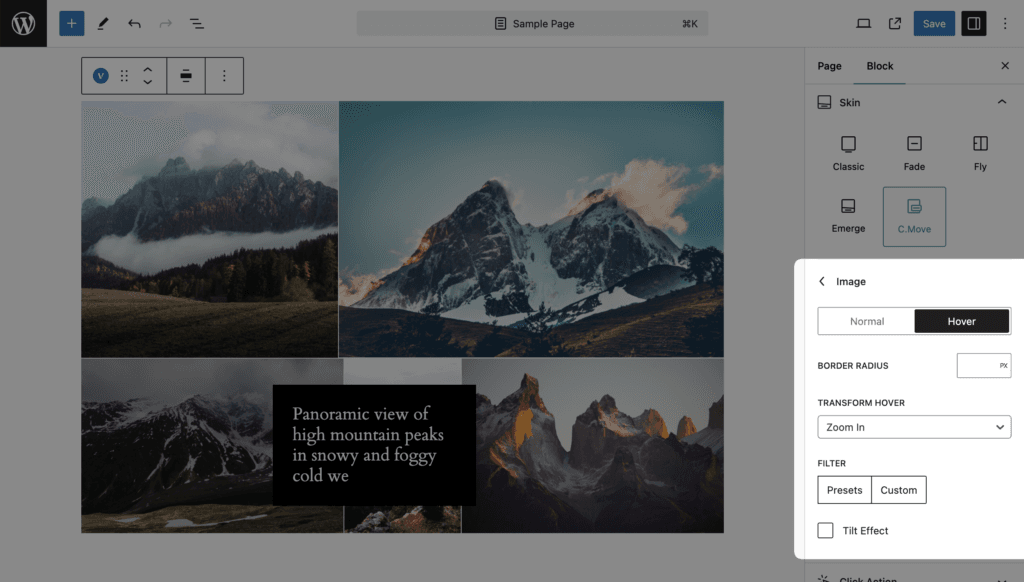
Image
Normal and Hover states. Values and defaults are in the Skin settings reference.
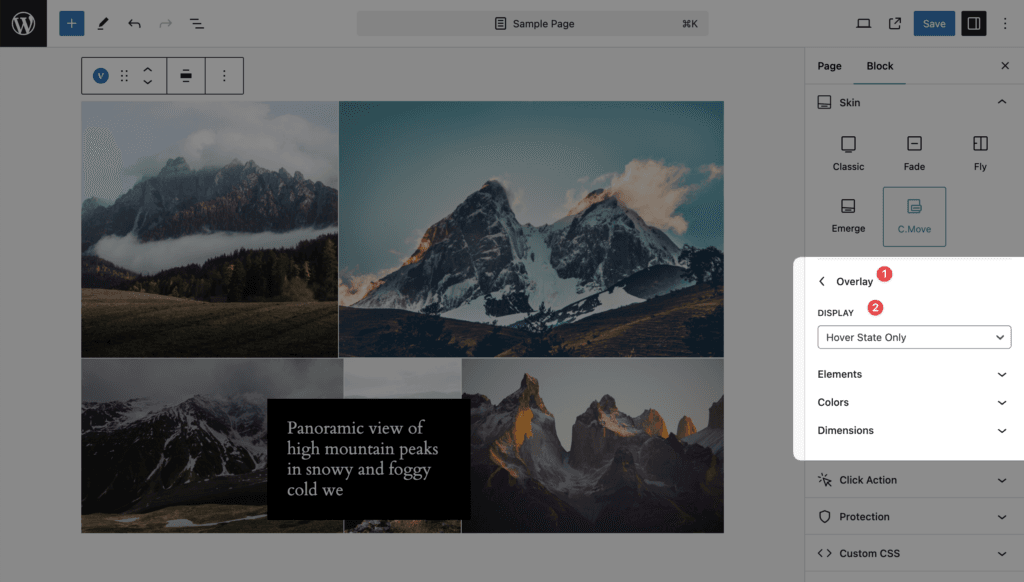
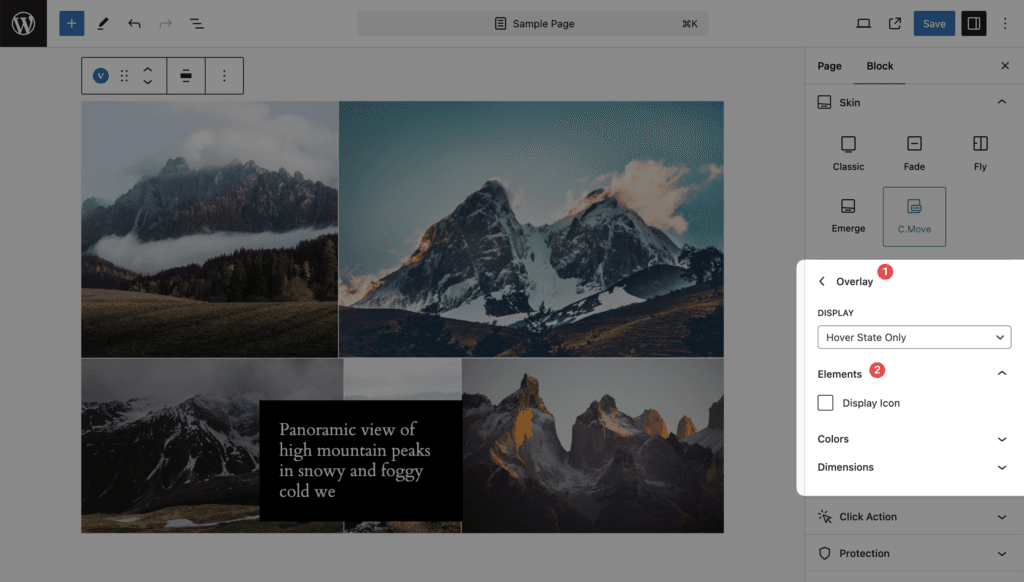
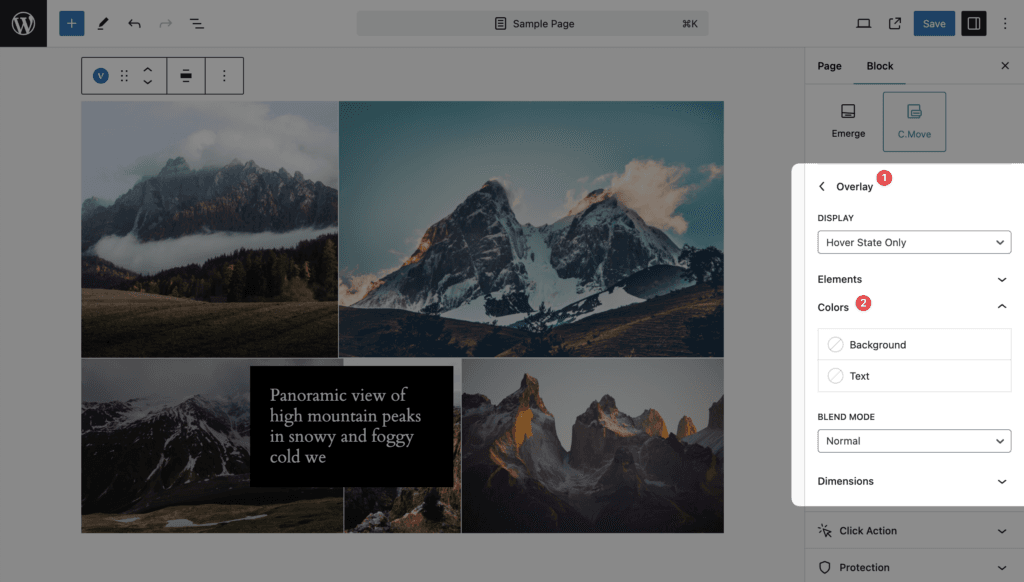
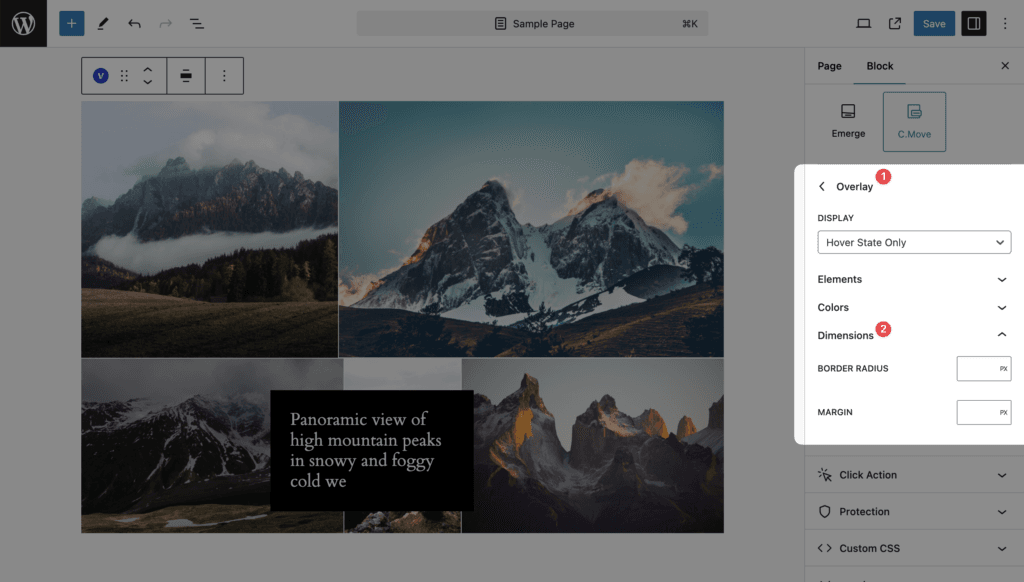
Overlay
Display, Display Icon, Display Gallery Icon, Colors and Dimensions.
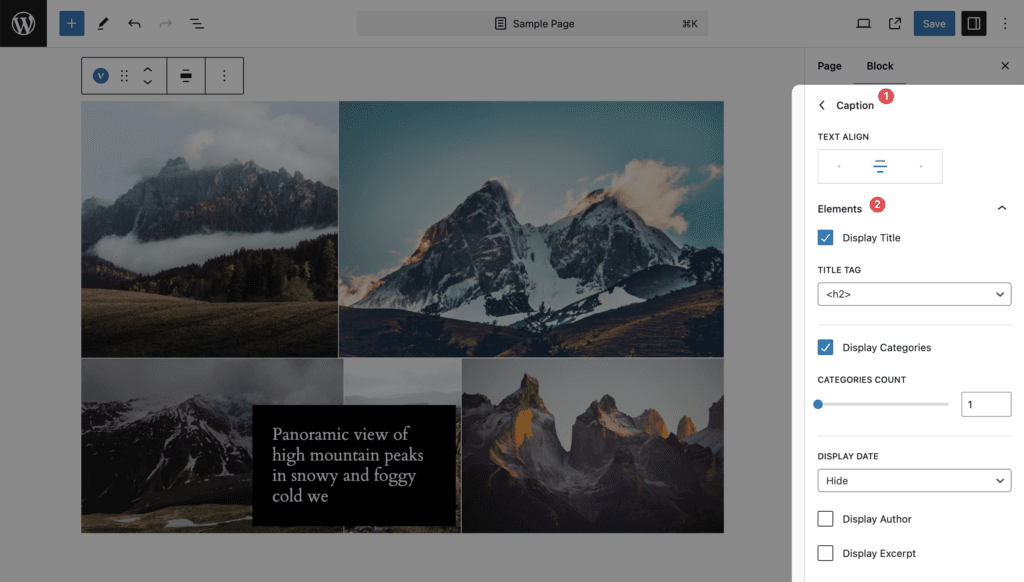
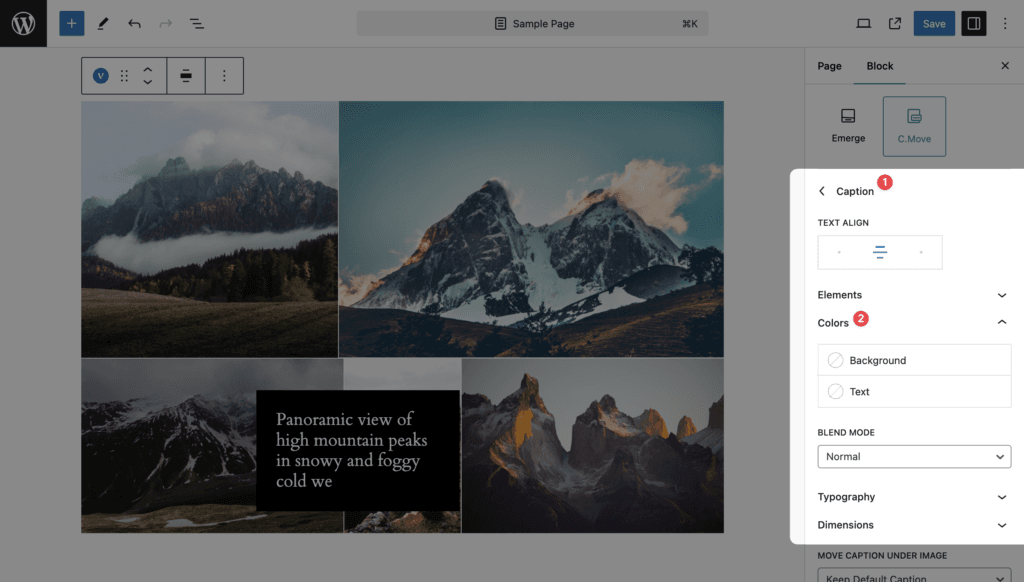
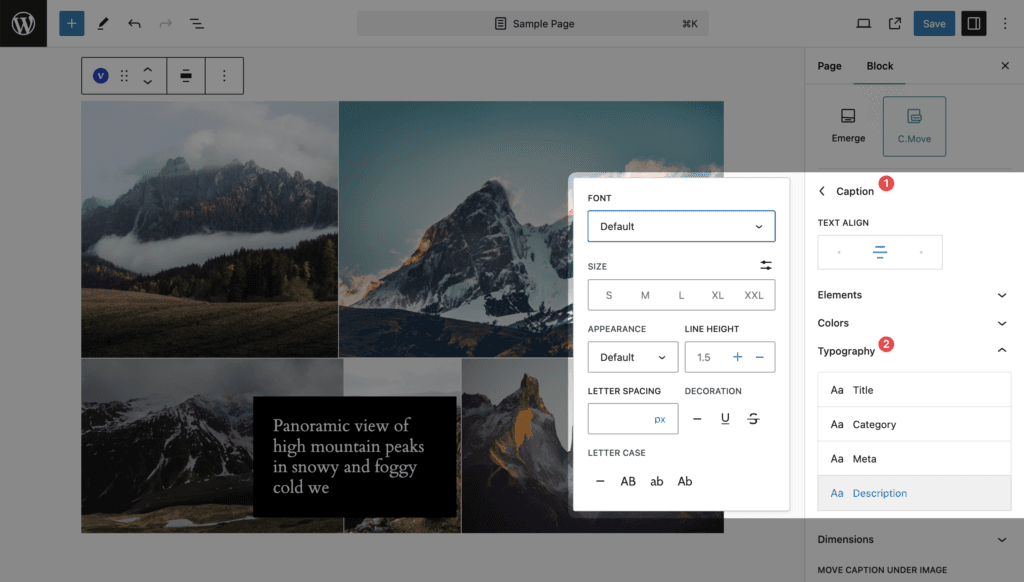
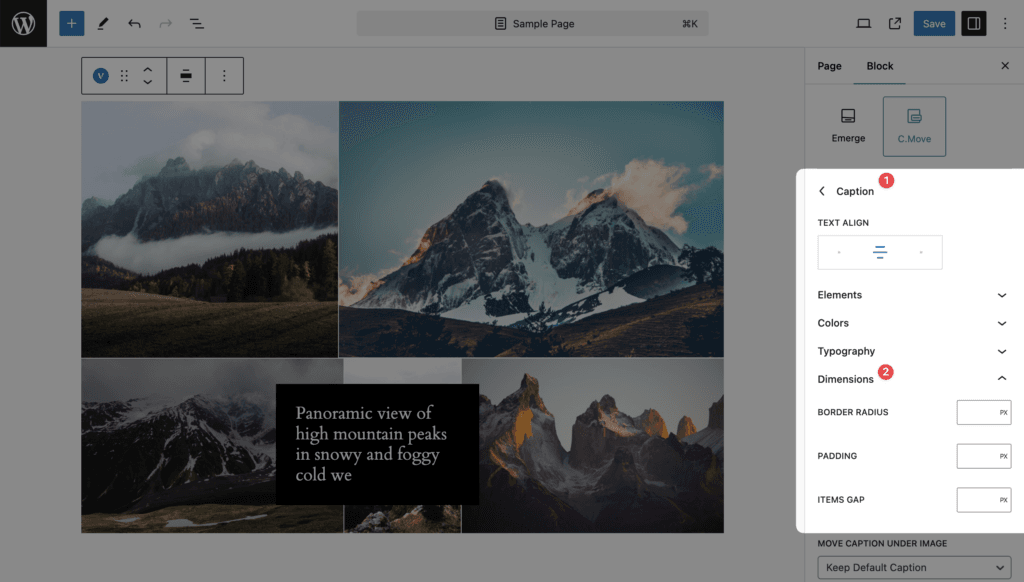
Caption
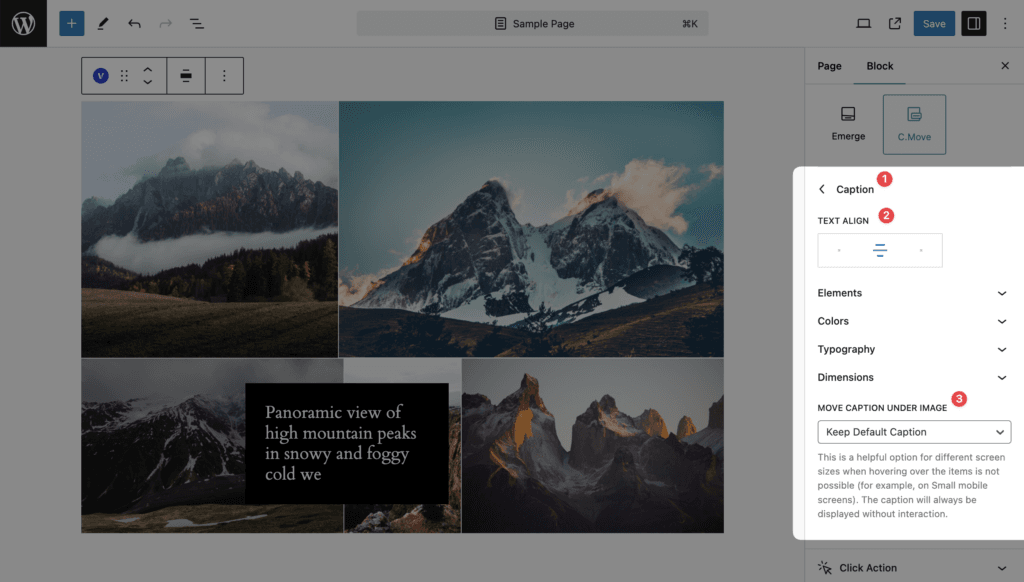
Text Align, Move Caption Under Image, Elements, Colors (Background, Text and Blend Mode), Typography and Dimensions.
Notes
- Mouse only. On touch screens the caption is not shown at all unless Move Caption Under Image is set, which places it under the image on small screens.
- Links inside the floating caption are disabled; the whole item is the link.