
Table of Contents
Interface strings
Both plugins use the visual-portfolio text domain. Translations of the free plugin come from translate.wordpress.org and are installed by WordPress automatically for your site language. Contribute missing strings there.
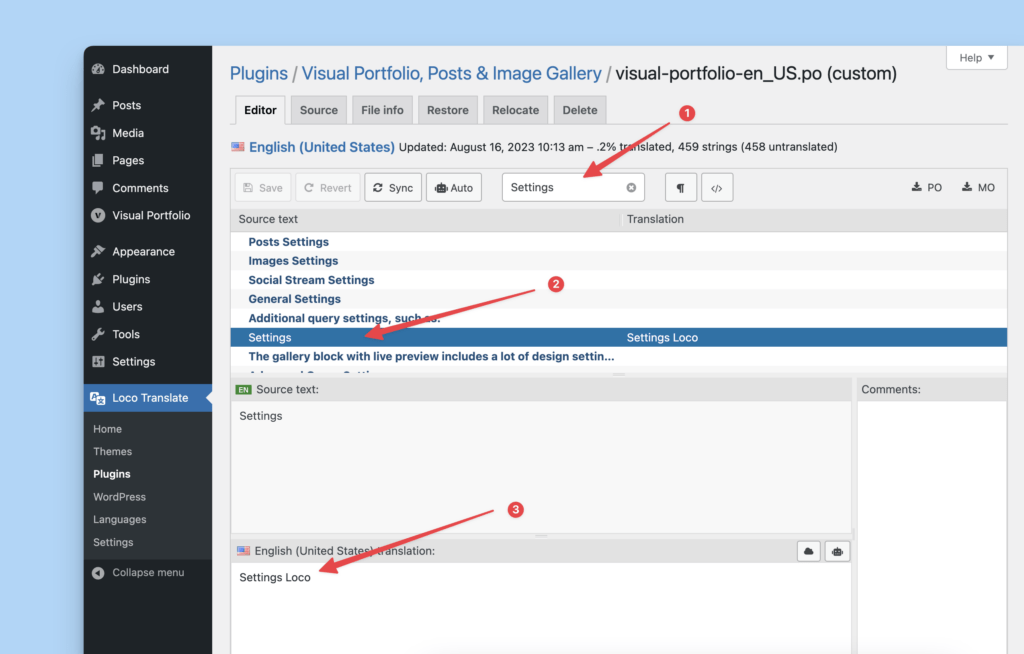
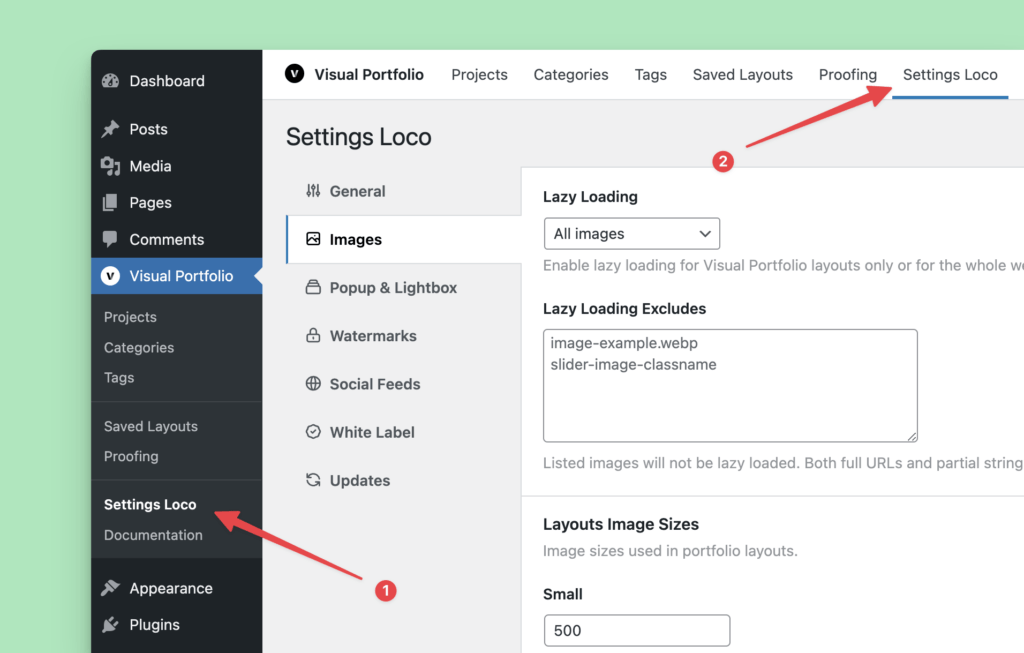
Pro ships its own languages/visual-portfolio.pot. Translate it with a translation plugin such as Loco Translate (Loco Translate → Plugins → Visual Portfolio Pro → New language) or with Poedit; place the .mo file where the plugin tells you.
Texts that are settings, not strings
Several texts visitors see are typed into the block, so they are not covered by language files. Change them in the block or Saved Layout:
| Text | Where |
|---|---|
| “All” filter button | Layout → Filter → All Button Text |
| “Load More”, “Loading More…”, “You’ve reached the end of the list” | Layout → Pagination → Texts |
| “Read More” | Skin → Caption → Elements (Classic skin) |
| Date format | Skin → Elements → Display Date |
| “No items were found matching your selection.” | Content Source → General Settings |
| “Type to search…” | Layout → Search → Placeholder Text (Pro) |
| Password and age gate texts | Protection (Pro) |
| Proofing client message | Proofing Settings (Pro) |
On a multilingual site these fields are translated per language through WPML’s block translation (see Multilingual).
Front-end strings that come from language files
Lightbox buttons and labels (“Close”, “Share”, “Zoom”, “Loading…”), the comments and views labels (“3 Comments”, “12 Views”), “By” before the author, and the proofing toolbar.
RTL
Right-to-left stylesheets are loaded automatically for RTL site languages.