
Table of Contents
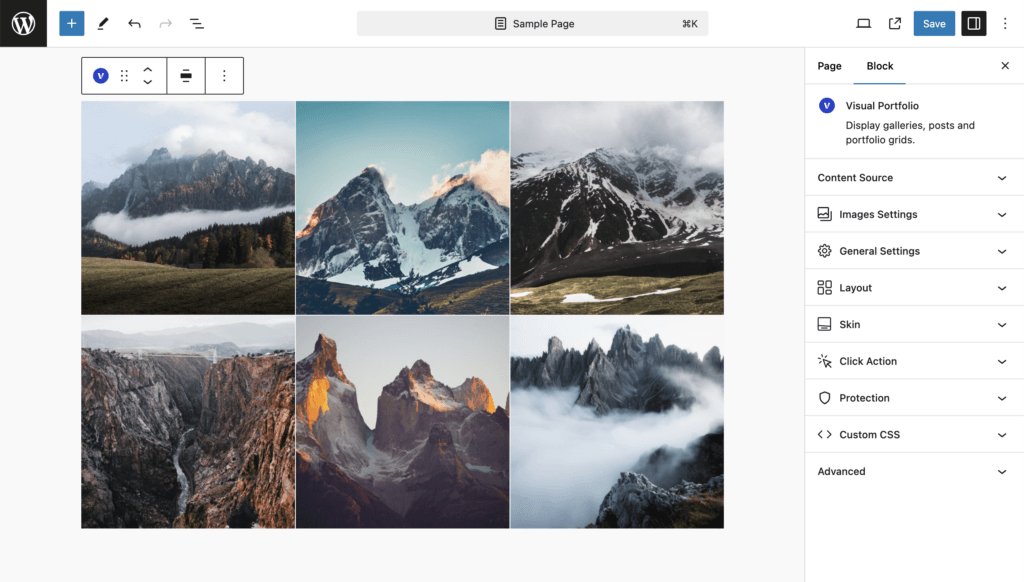
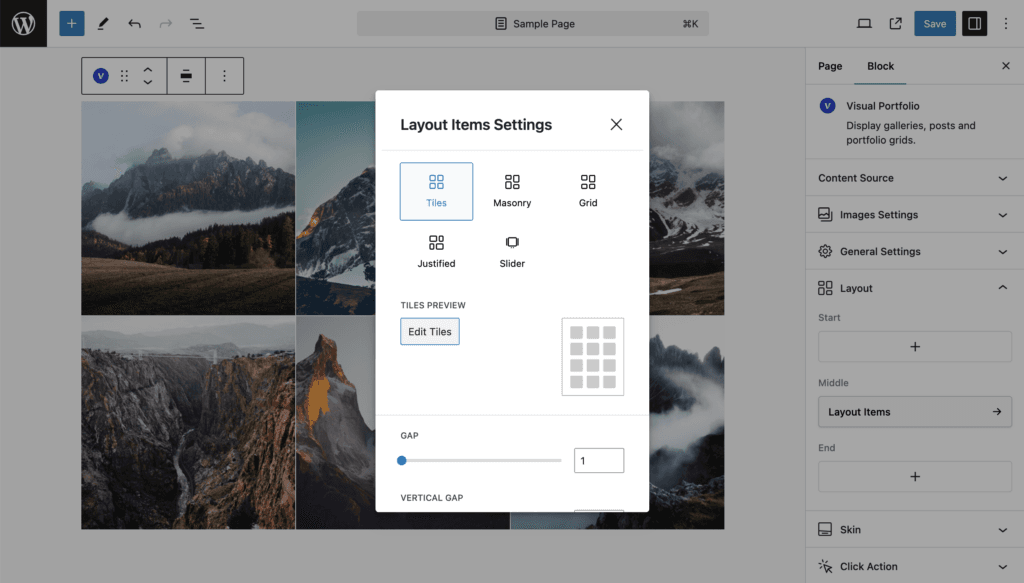
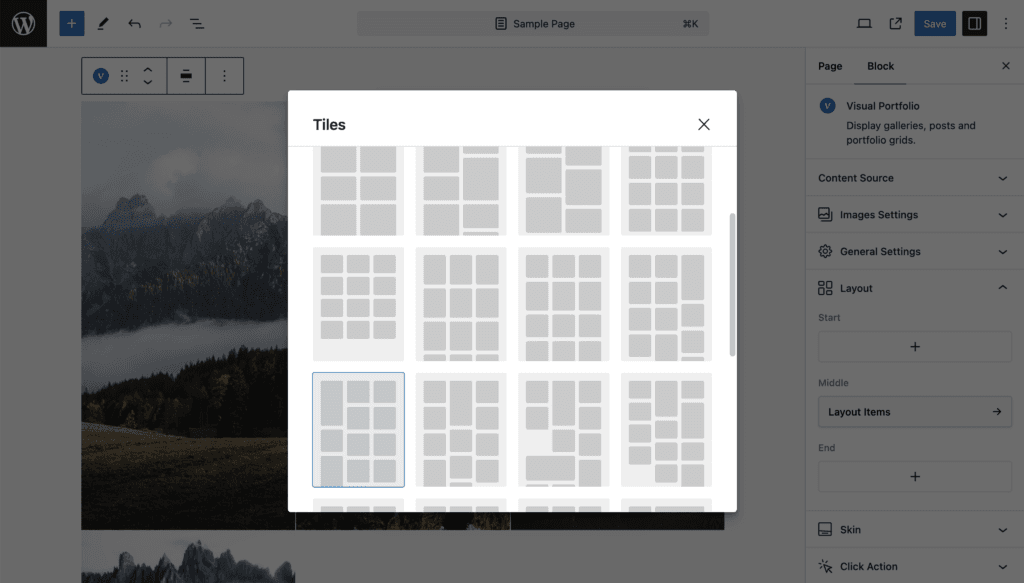
Items are laid in a repeating pattern of tiles. Pick one of 27 patterns in the Tiles modal (button Edit Tiles), or write your own.
| Setting | Values | Default |
|---|---|---|
| Tiles Type | One of the presets, or a custom pattern in the notation below | 3|1,1| (three equal square columns) |
| Gap, Vertical Gap | 0 to 200 px | 15, empty |
Presets
| Columns | Patterns |
|---|---|
| 1 | one wide row of half-height tiles |
| 2 | 6 patterns: squares, short, tall, and three mixed patterns |
| 3 | 15 patterns: squares, short, tall, and twelve mixed patterns with one large tile |
| 4 | 5 patterns: squares and four mixed patterns |
The modal previews every pattern; the current one is highlighted.
Notation
A pattern is columns|width,height|width,height|…:
- the first number is the number of columns;
- every
width,heightpair after it is one tile of the repeating pattern: width in columns, height as a multiple of the tile’s width.
3|1,1| is three columns of squares. 3|1,2|2,0.5|1,1|1,2|2,0.5| is a three-column pattern where the first tile is one column wide and twice as tall as wide, the second spans two columns at half height, and so on. Limits: 6 columns, 24 tiles in a pattern, a tile may span at most 6 rows. Only digits, ., , and | are accepted.
Images are cropped to the tile. Set the focal point of an image (Media source: image settings; Posts: Featured image panel) to choose what stays visible.
Patterns with 4 columns or more use the Large (VP) image size, the others Extra Large (VP). See Settings → Images.
Small screens
The column count of the pattern steps down with the screen width (see Responsive behaviour). Each tile keeps its proportions.
Developers can add presets with the vpf_extend_tiles filter.