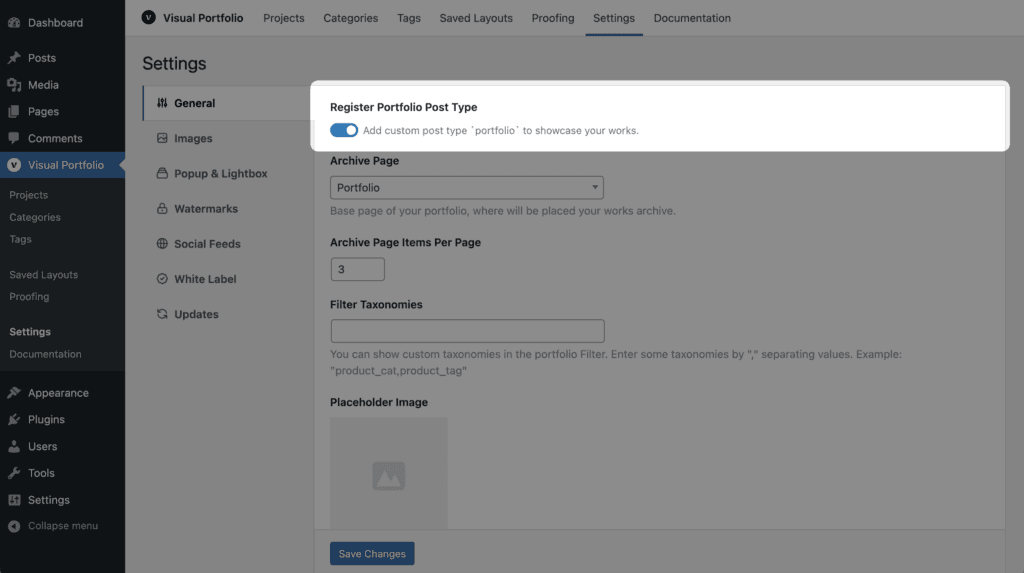
Off removes Projects, Categories and Tags from the menu and the project capabilities from roles; galleries from Media and other post types keep working. Existing projects stay in the database
Archive Settings
Setting
Default
Notes
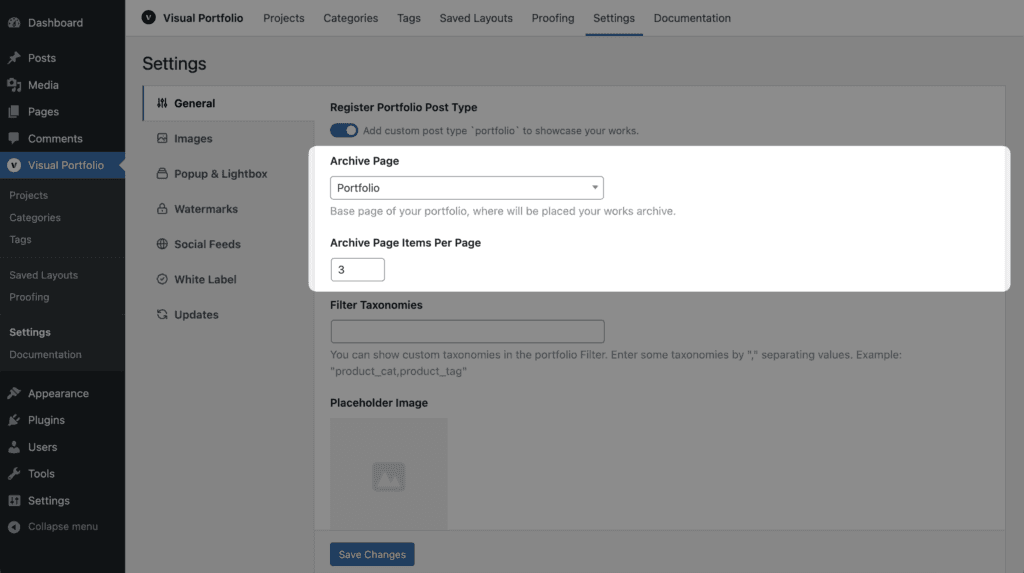
Archive Page
The auto-created Portfolio page
The page that lists projects. Shown only with the post type on. See Portfolio page
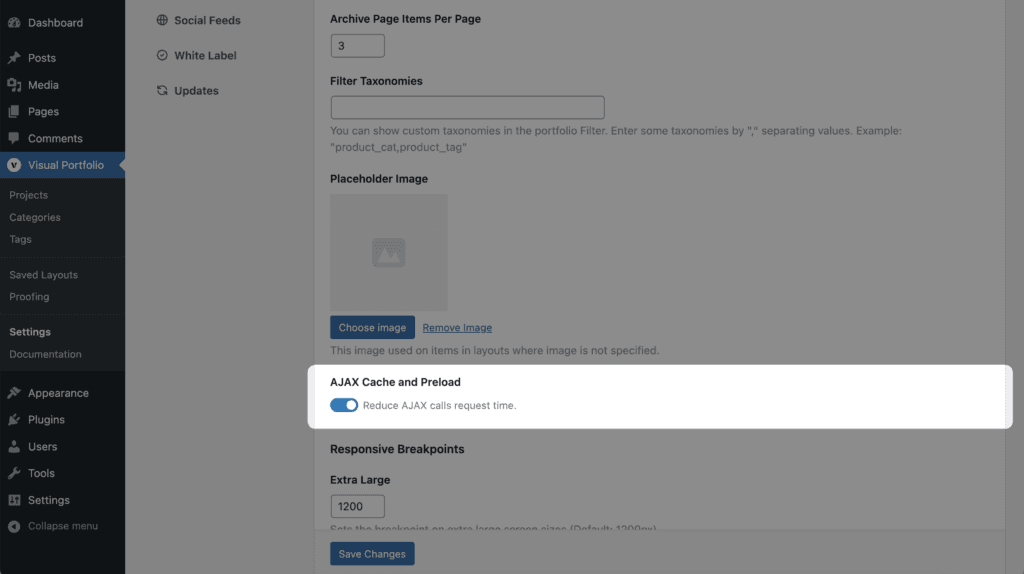
Archive Page Items Per Page
6
Projects per page on the Portfolio page and on category and tag views. -1 shows all (up to 9999)
Taxonomy Settings
Setting
Default
Notes
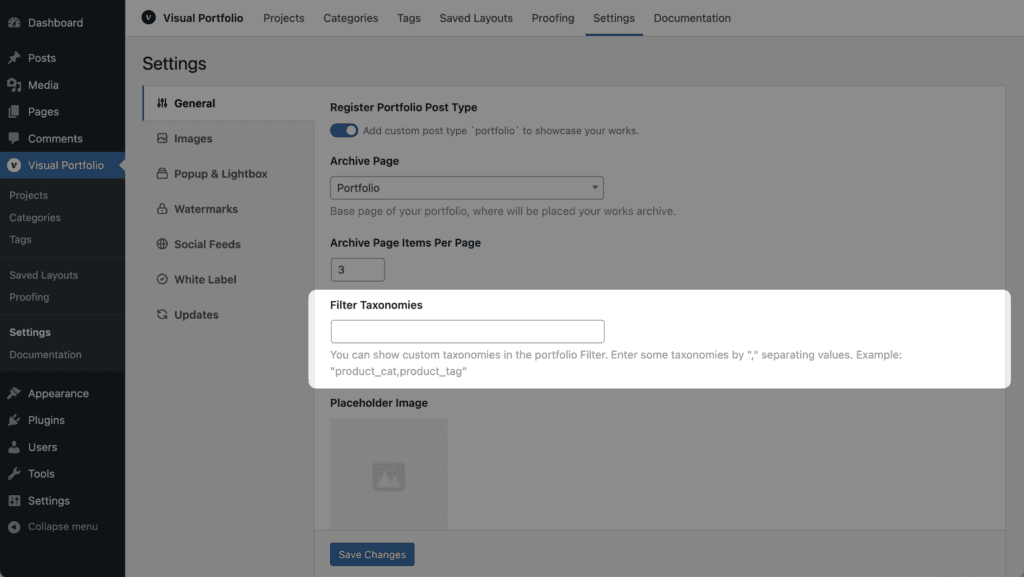
Filter Taxonomies
empty
Comma-separated taxonomy slugs the Filter element may list in addition to category-like ones, for example portfolio_tag,product_tag
Image Settings
Setting
Default
Notes
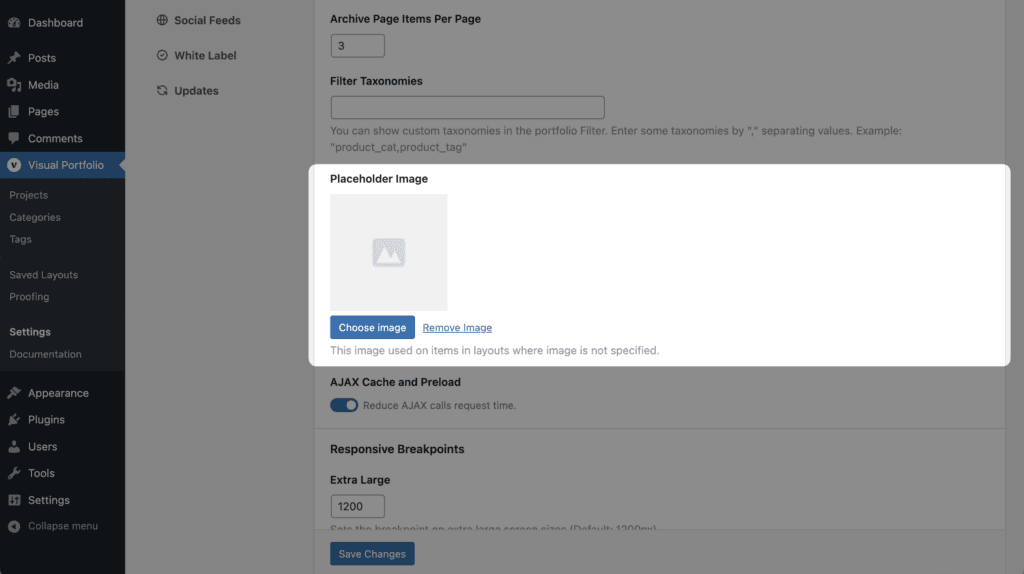
Placeholder Image
A grey placeholder uploaded on install
Shown for items without an image: posts without a featured image, social items whose image is not downloaded yet, terms without a thumbnail
Performance Settings (Pro)
Pro Feature
This is a part of the Visual Portfolio Pro plugin. Purchase the Pro plugin to access this and other advanced features.
Filter, sort, search and pagination requests are answered with a page that renders only the requested gallery, responses are cached in the browser for the visit, the next page is prefetched after load, and a filter or page link is prefetched when the pointer hovers it. Skipped on slow connections and with Save-Data. Switch it off if your page cache serves the reduced page to normal visitors, or if a theme hook must run on gallery requests
Responsive Breakpoints (Pro)
Pro Feature
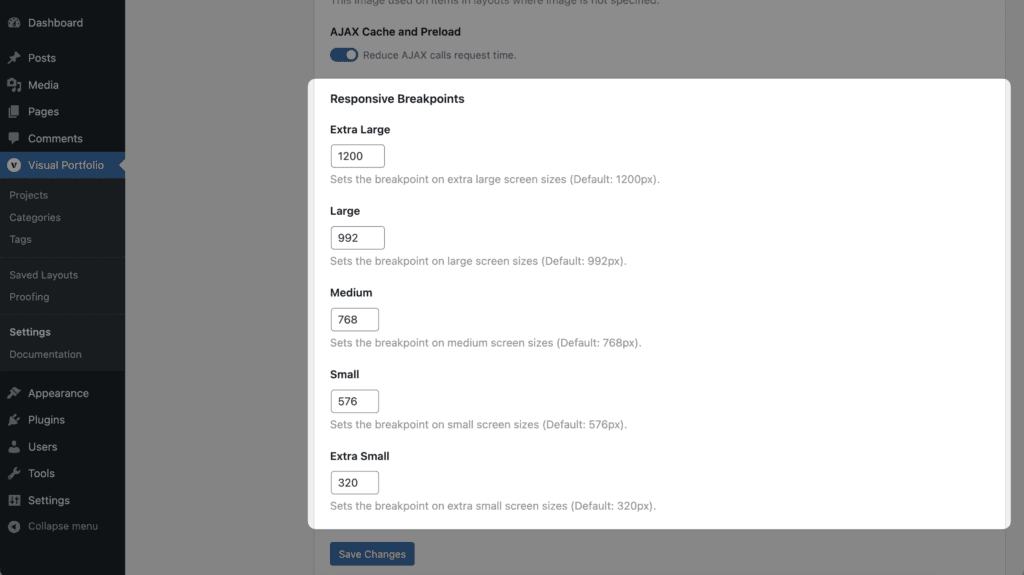
This is a part of the Visual Portfolio Pro plugin. Purchase the Pro plugin to access this and other advanced features.