Table of Contents
Download
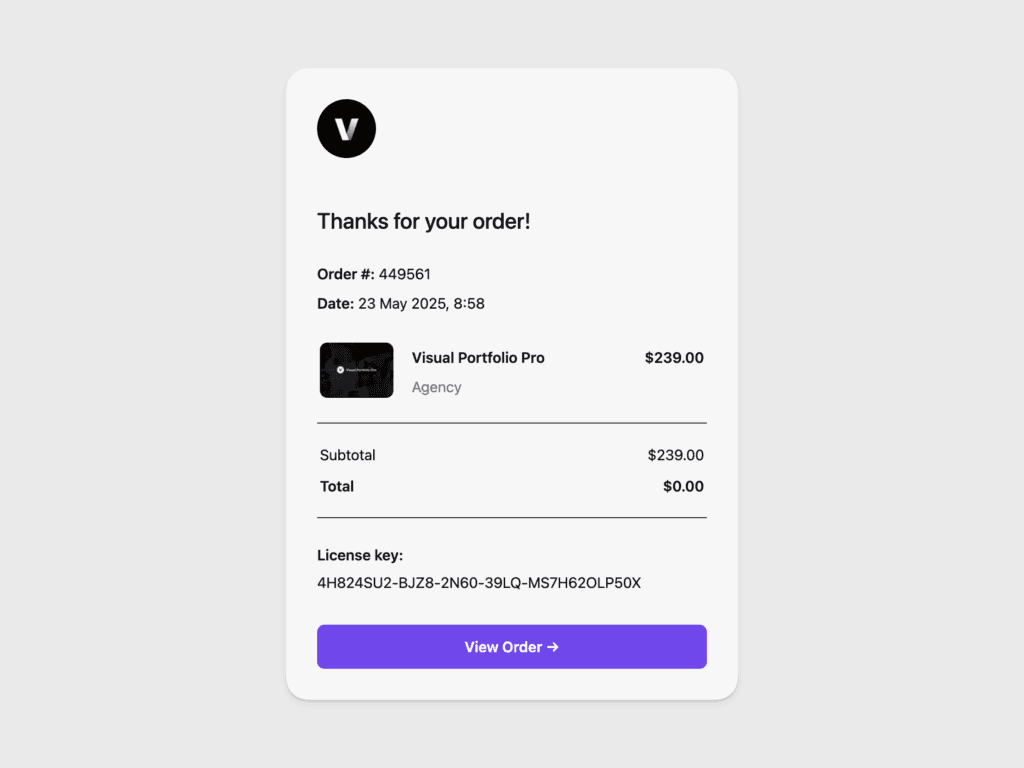
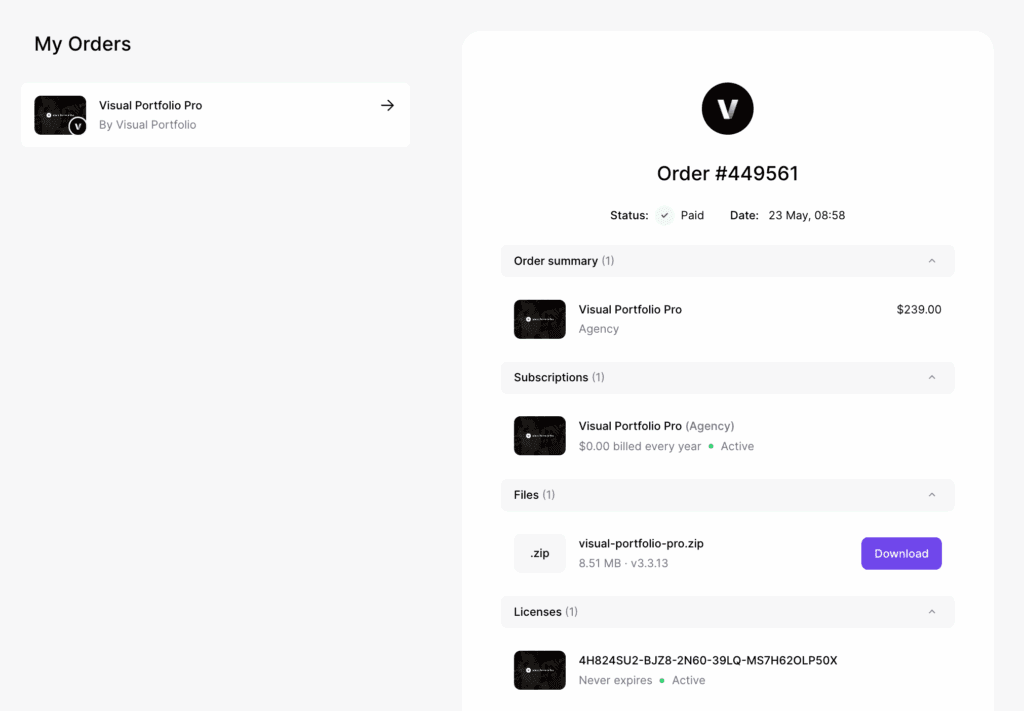
Open https://app.lemonsqueezy.com/my-orders, sign in with the email used at checkout, and open the Visual Portfolio Pro order. The download button and the license key are on that page. The purchase email links there too.
Install
- Go to Plugins → Add New → Upload Plugin.
- Choose the ZIP you downloaded, click Install Now, then Activate.
What happens to the free plugin
Visual Portfolio Pro contains the free plugin. You do not need the free plugin installed to run Pro.
- If the free plugin is installed and it is version 3.8.1 or newer, both can stay active. The free copy steps aside and Pro runs. You may deactivate or delete the free copy; nothing changes.
- If the free plugin is older than 3.8.1, Pro deactivates it on the next admin page load and shows: “This version of Visual Portfolio is too old to run next to Visual Portfolio Pro. We’ve automatically deactivated Visual Portfolio.”
Your settings, projects, Saved Layouts and every Visual Portfolio block on your pages carry over. Pro reads the same data. Pro-only settings that the free plugin shows greyed out become editable.
Activate the license
Updates are delivered only to sites with an active license.
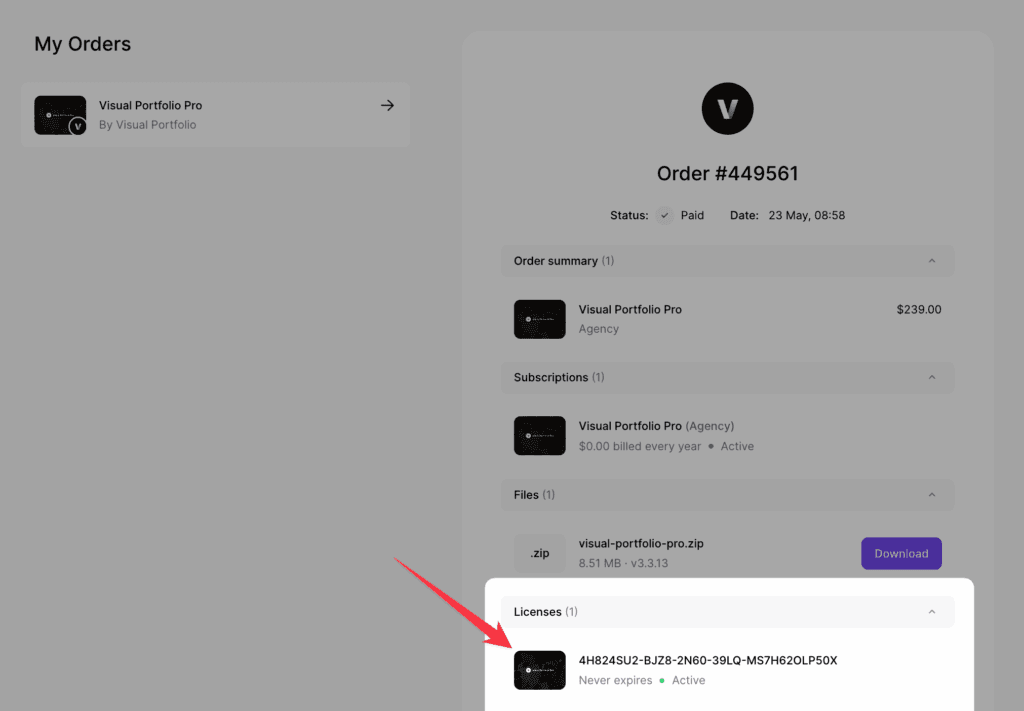
- Copy the license key from your order page.
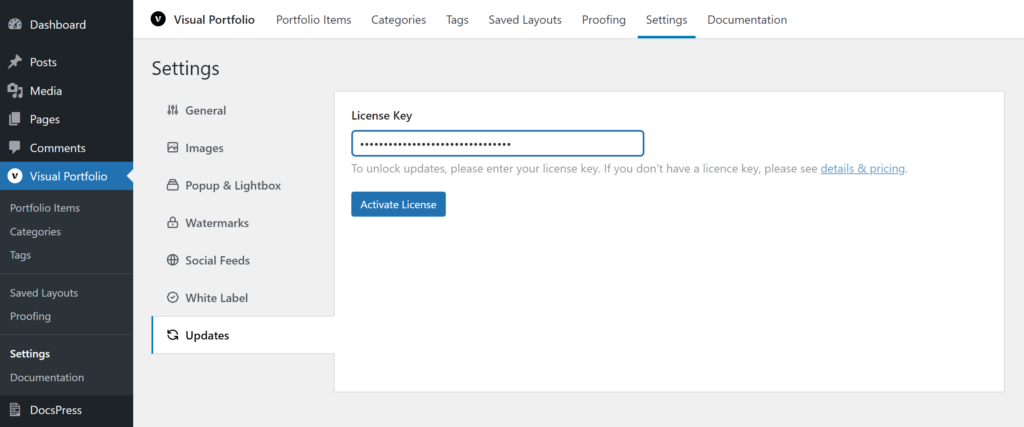
- Go to Visual Portfolio → Settings → Updates.
- Paste the key and click Activate License.
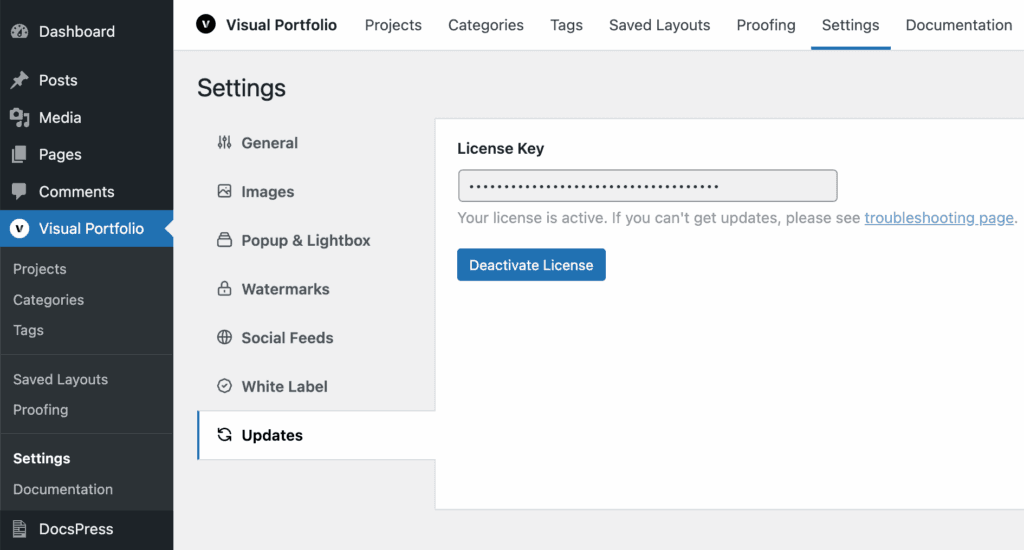
The page reloads and shows “Your license is active.” Details, errors and moving a license are on License and updates.
Multisite
The license key is stored per site. Enter it on the site whose admin you update from: on a network-activated Pro, that is the main site (Network Admin → Updates reads it). If subsites update the plugin themselves, activate the key on each of them. Each activation counts as one site of your plan.
Bought before May 2025
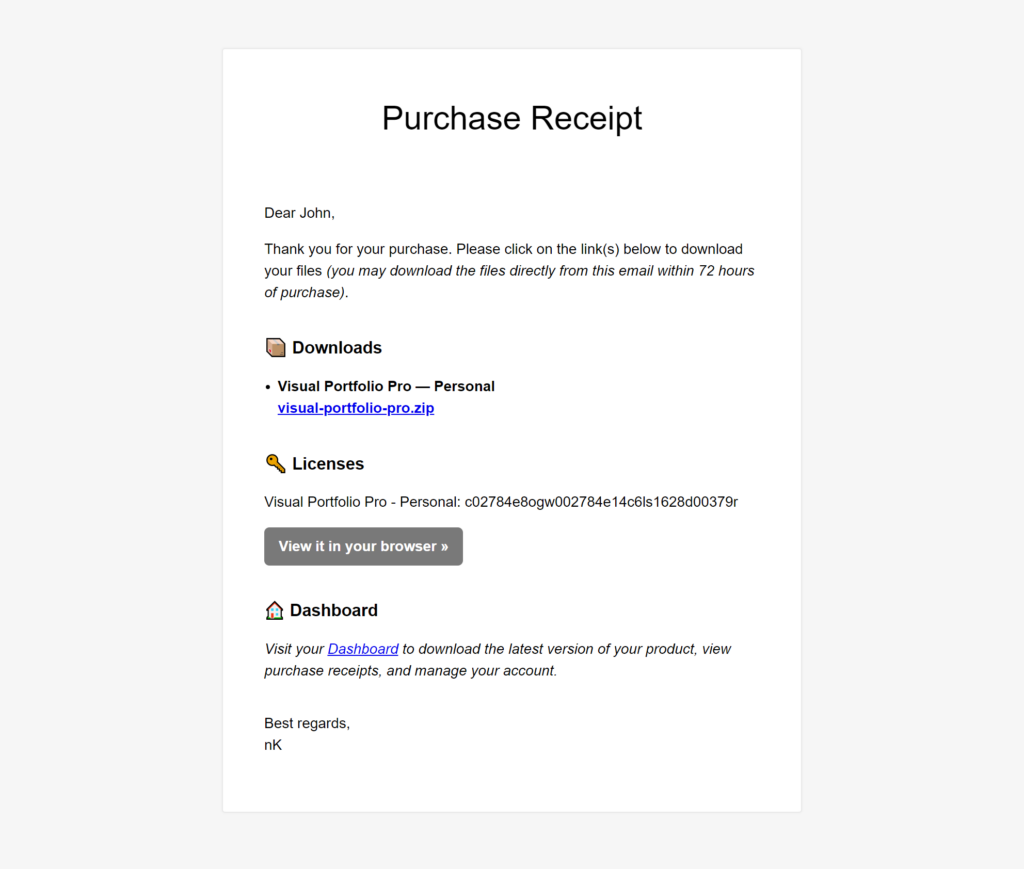
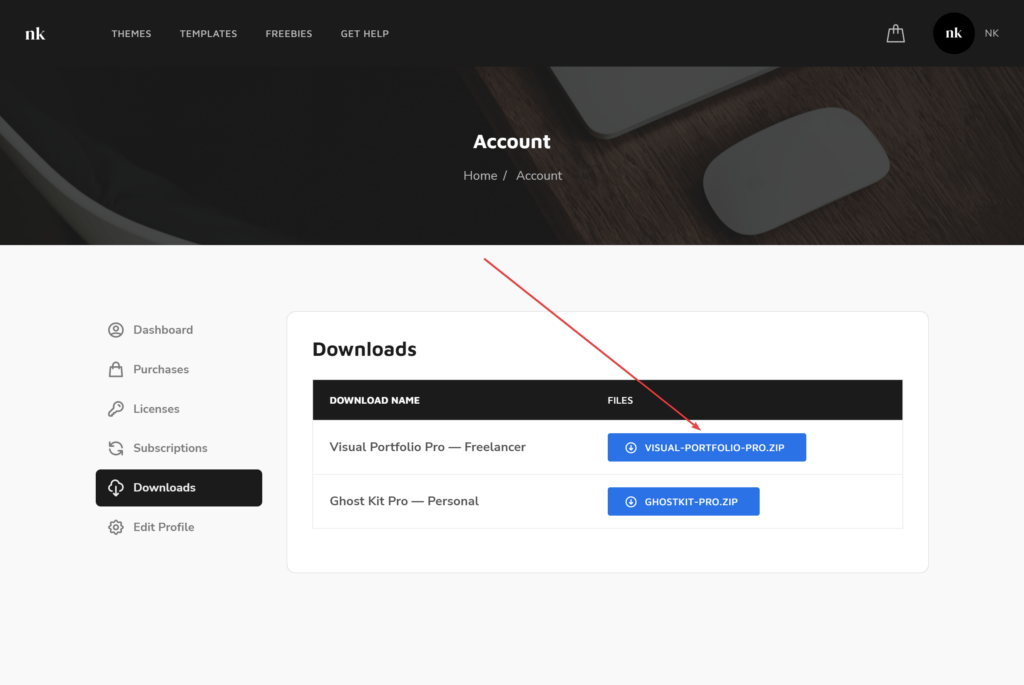
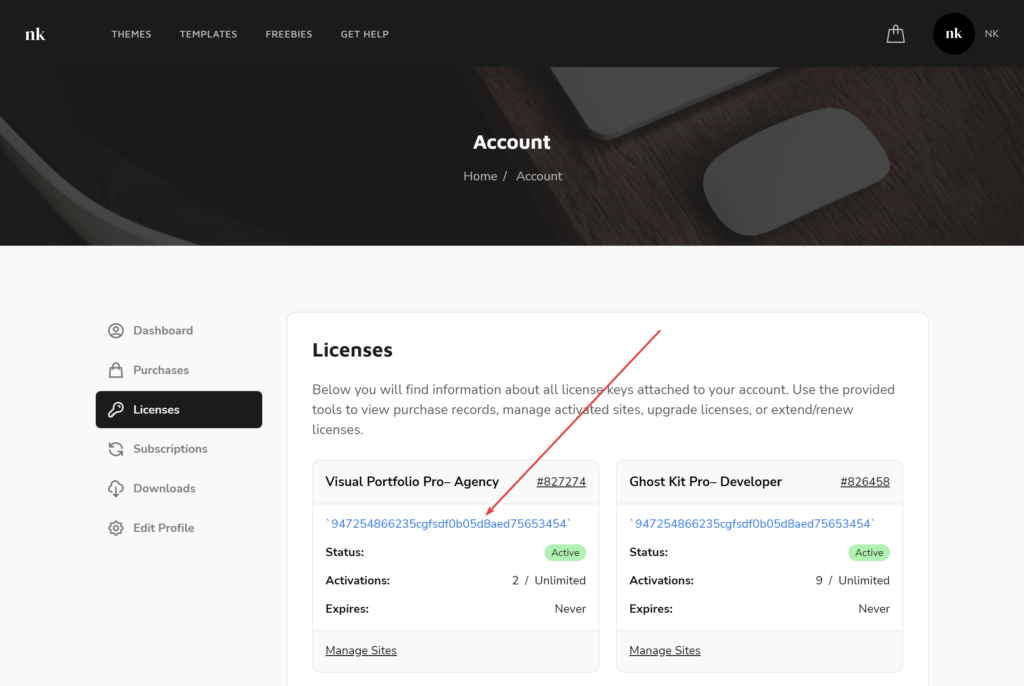
Purchases made before May 2025 went through Paddle, with accounts on nkdev.info. The download, the license key, renewal and site management for those orders are on Legacy licenses (before May 2025). The screenshots below show that flow: the download link in the purchase email, the Downloads page of the nkdev.info account, the license key, and the key pasted into Settings → Updates.