
Table of Contents
Pro Feature
This is a part of the Visual Portfolio Pro plugin.
Purchase the Pro plugin to access this and other advanced features.
A text field above the gallery. Half a second after the visitor stops typing, the gallery reloads with the matching items. The pagination resets to the first page.
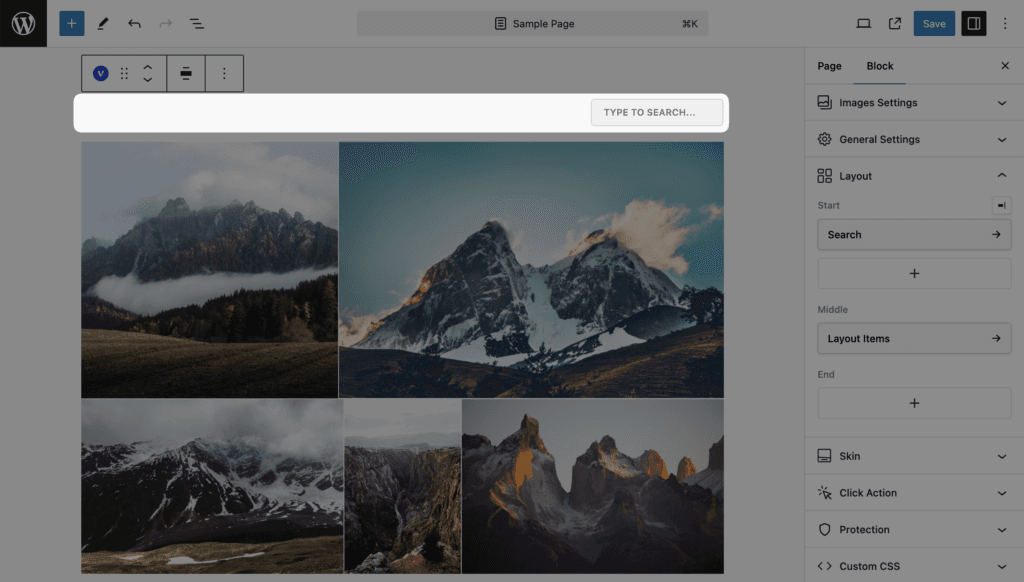
Settings
| Setting | Values | Default |
|---|---|---|
| Placeholder Text | Text | Type to search… |
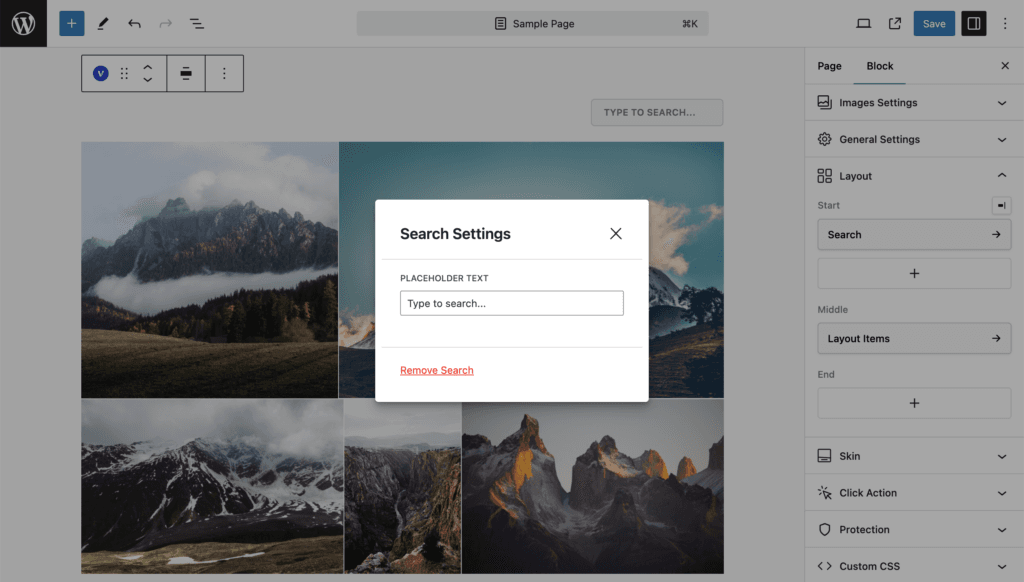
What is searched
| Content source | Matched against |
|---|---|
| Posts | The WordPress search: title, content and excerpt |
| Media | The item Title and Description fields of the image settings. Any word of the query may match, case-insensitive |
| Taxonomies, Social | Not searched; the field has no effect |
The term travels in the vp_search parameter.
Standalone search
[visual_portfolio_search id="123" align="center" text_placeholder="Type to search..."] prints the search for page builders; it controls the gallery with the same Saved Layout ID on the page. See Saved Layouts and Shortcodes.