A WordPress video popup gallery where each item’s Format decides what a click plays in the lightbox. YouTube and Vimeo are free, and audio links need Pro.
Video


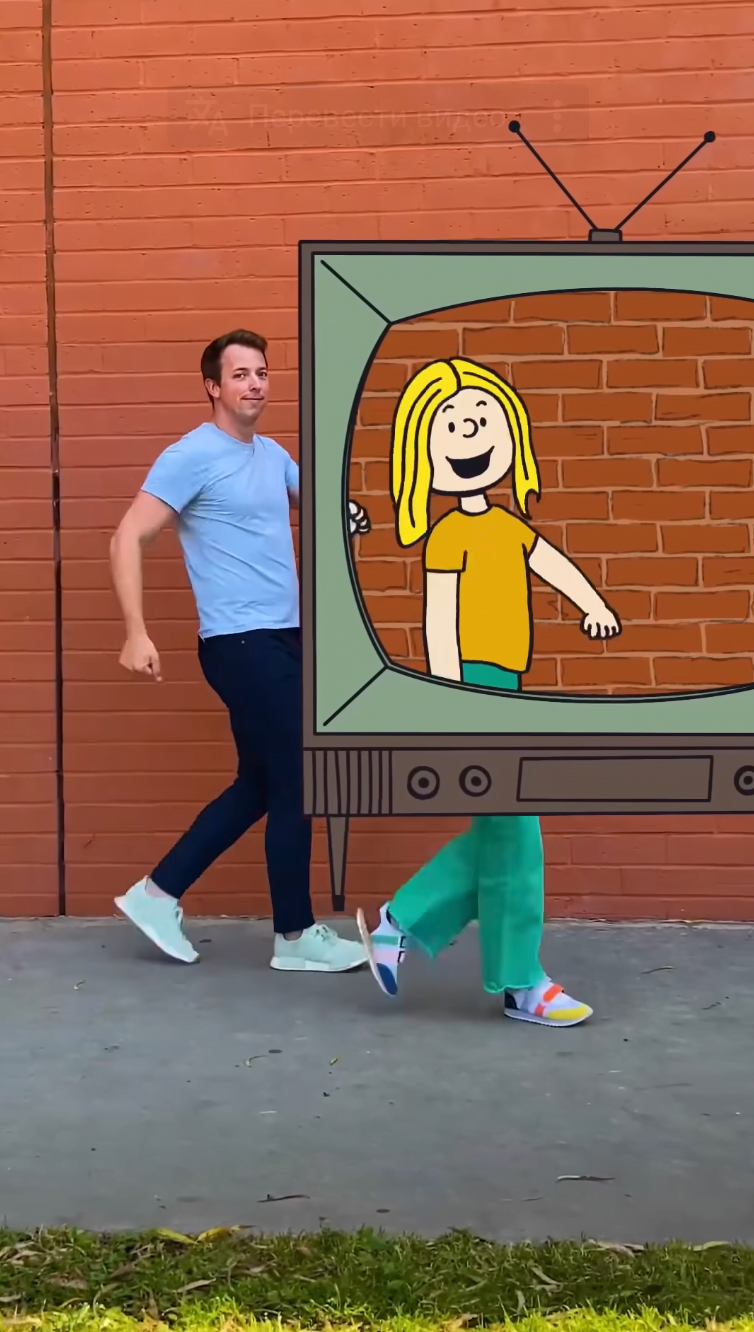



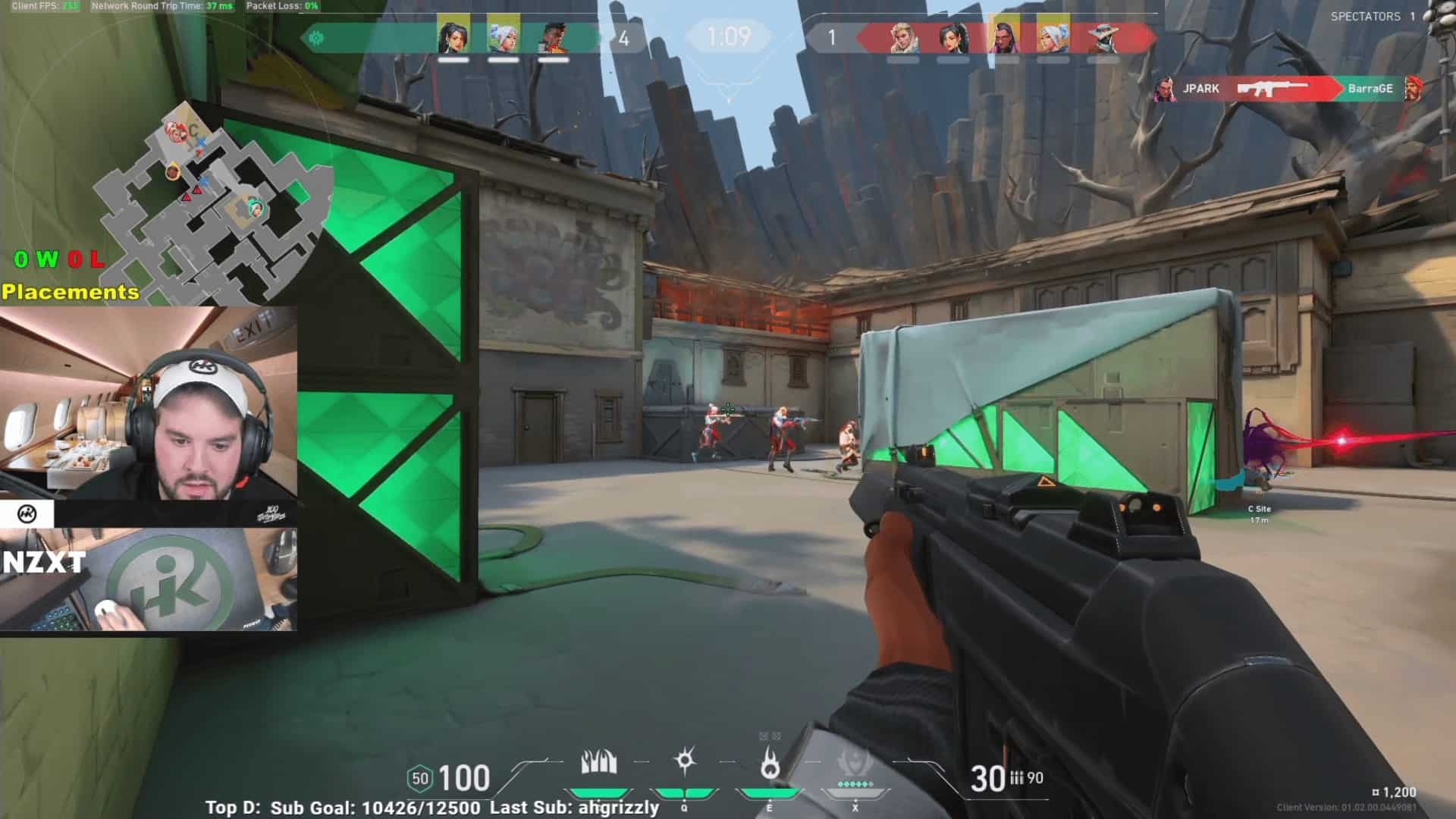
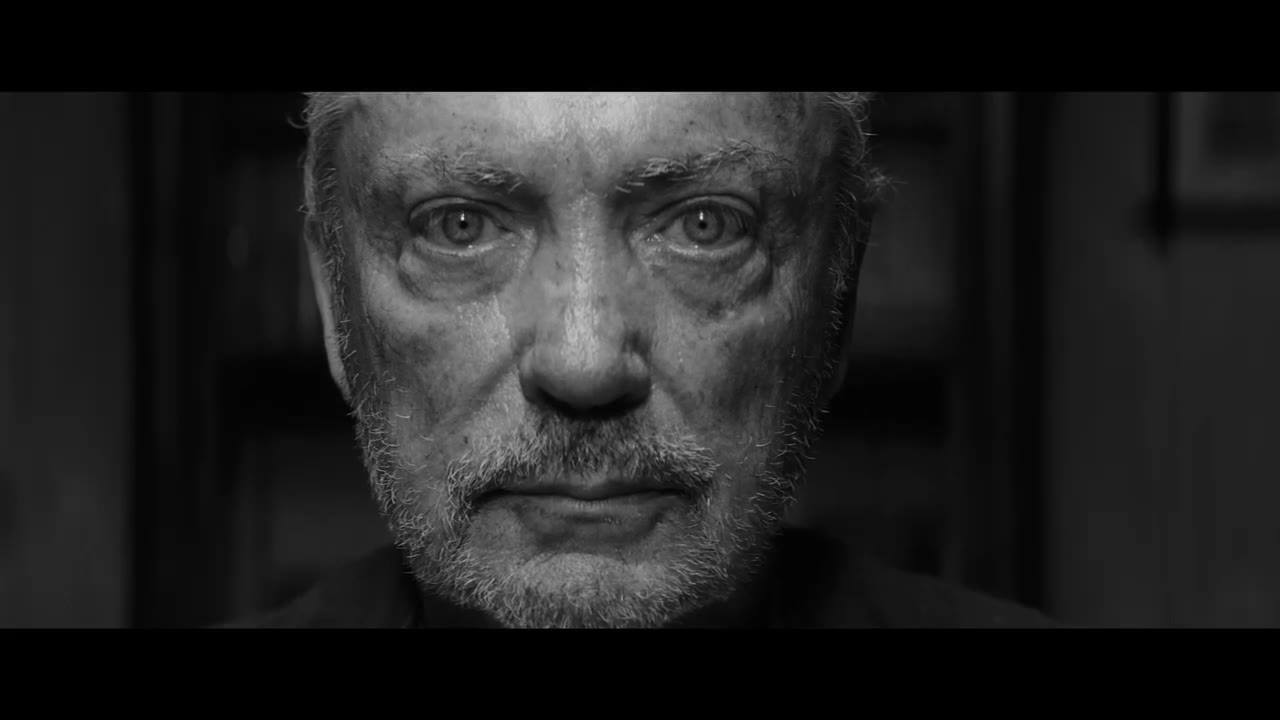
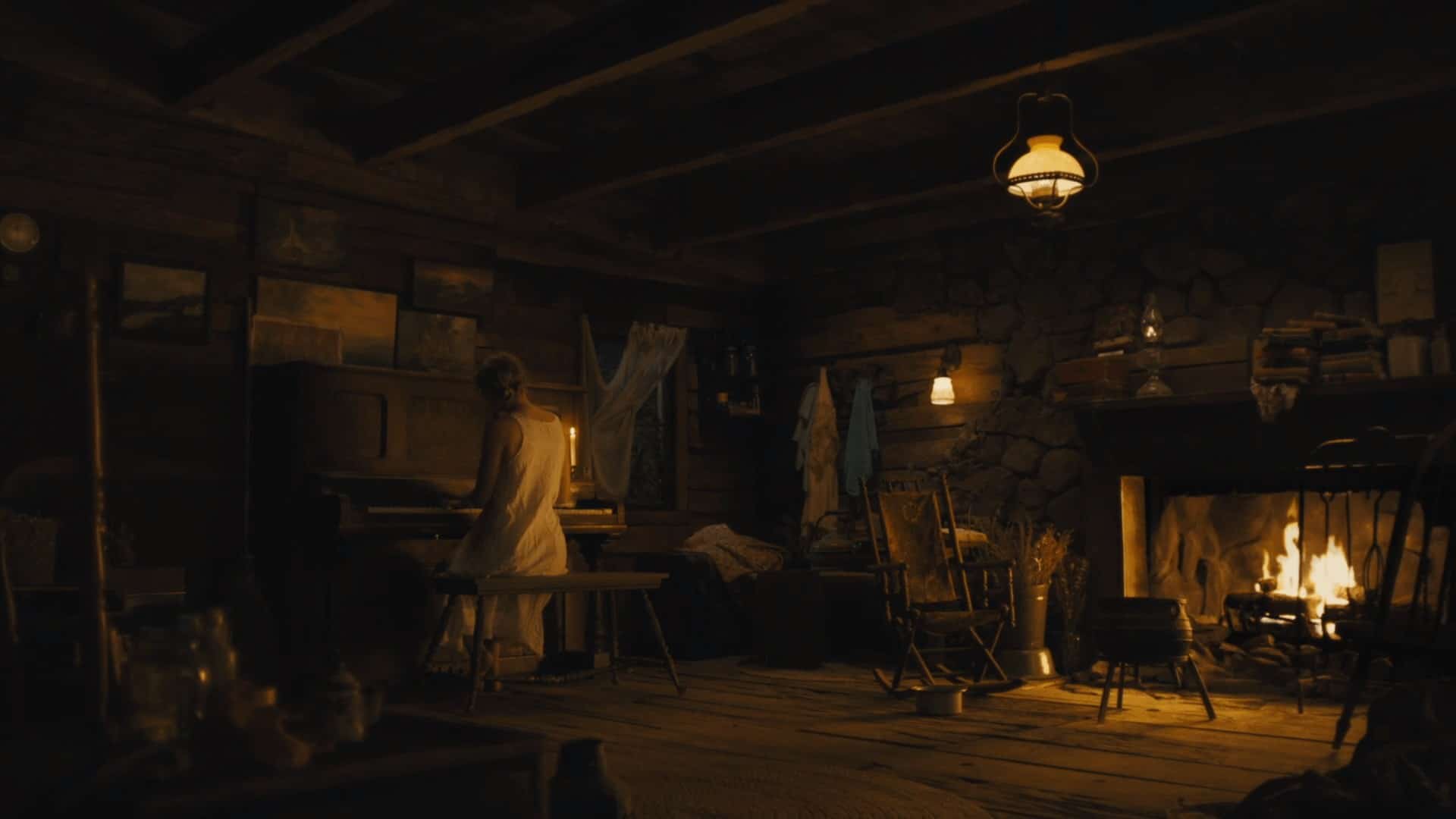


Audio


What a video or audio link does in a gallery
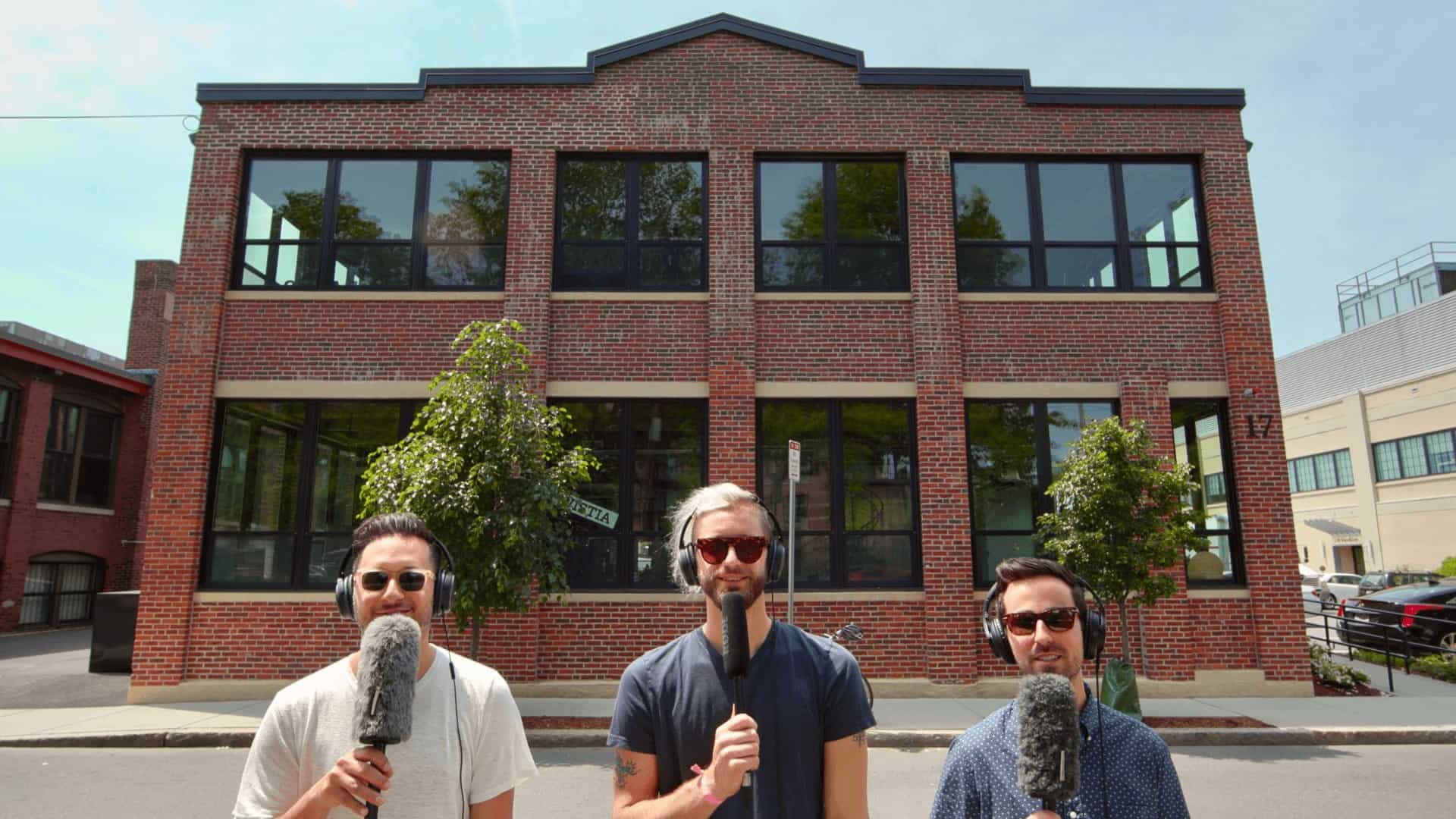
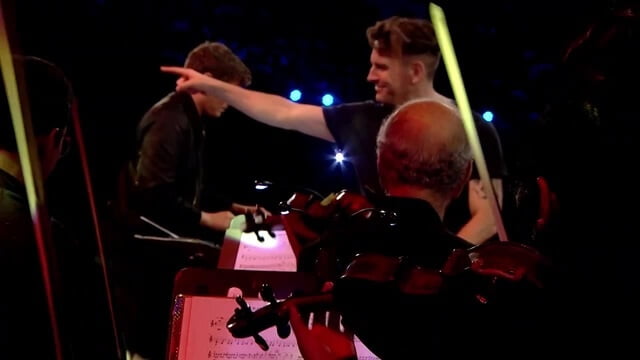
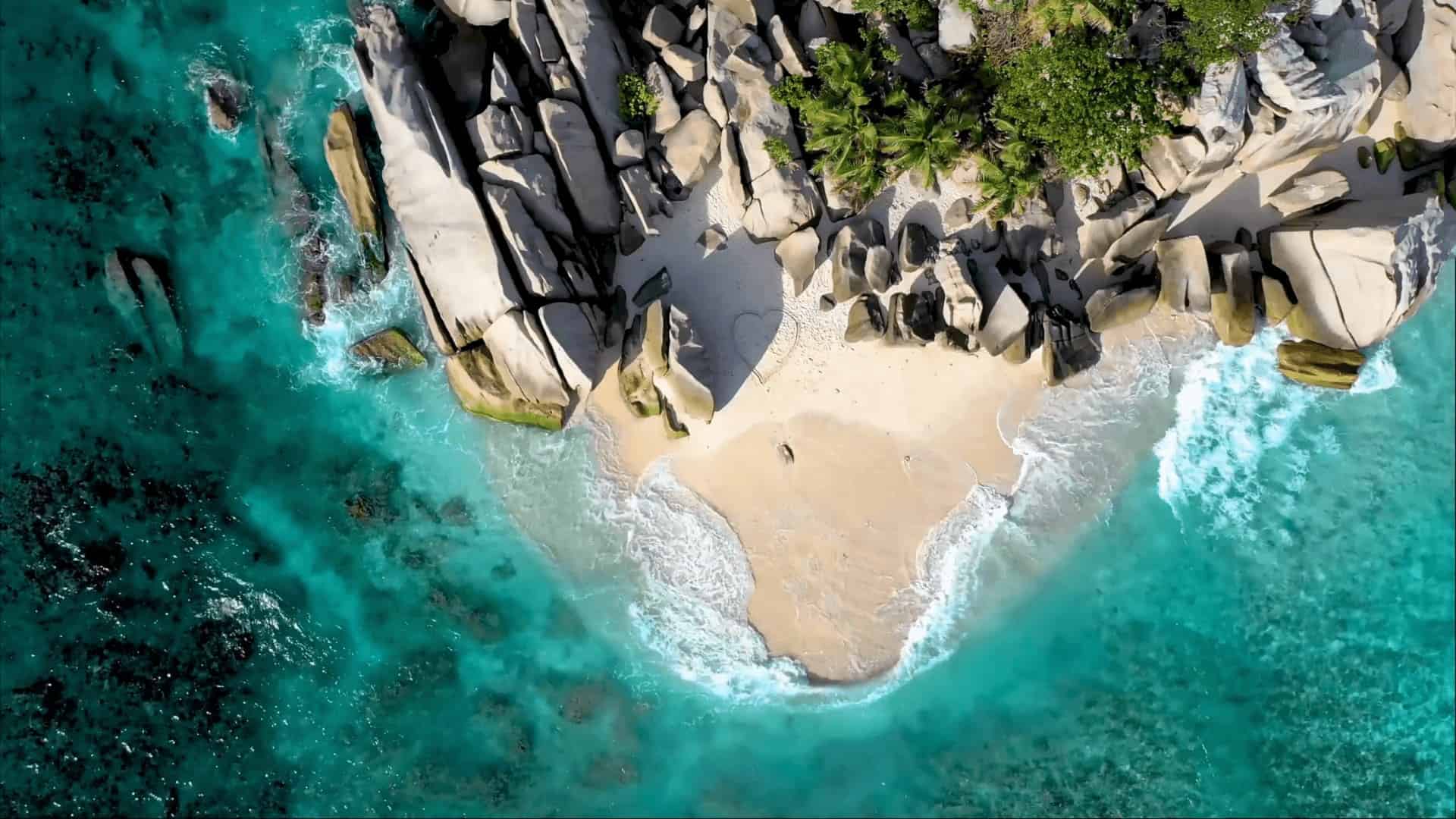
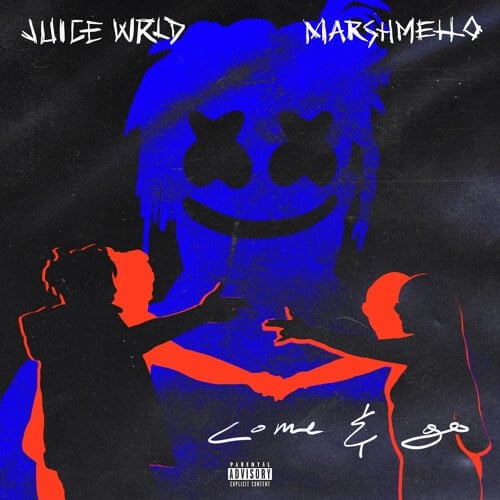
Both grids above are ordinary Media galleries. Every item is a still image, and the Format field on that image decides what the click opens. Video format plus a Video URL sends the clip to the lightbox instead of the photo. Audio format plus an Audio URL keeps the picture on the slide and puts a player under it. The tiles carry a play or a music mark because Display Icon is on in the Classic skin.
The alternative is one embed block per clip, which gives the visitor a column of players to scroll instead of thumbnails. A popup gallery loads cover images and one player at a time, and the lightbox arrows carry on to the next item. Pro can also play a video inside the tile itself, from a file in the Media Library, as the video gallery demo does. That is motion in the grid. Here the media sits one click deeper.
The settings that decide what opens
Most of it hangs on the Format field of one item, set in Media Settings inside the block or in a project’s Format dropdown.
- Format is free for Standard and Video. Audio and Gallery need Pro. Choosing Video reveals the Video URL field, Audio reveals Audio URL.
- Video URL plays YouTube and Vimeo without a license. Every other vendor named above the demos needs Pro, as do self hosted mp4, mov, webm and thirteen further extensions.
- Audio URL is Pro only. The slide draws the featured image and puts the player beneath it.
- Media Object Priority (Pro) is a sortable list of Video, Audio, Album, Image and Post URL (Quick View). The first entry the item has data for wins. Post URL starts switched off.
- Vendor Script defaults to Fancybox 3. PhotoSwipe 4 is the lighter of the two, without thumbnails or a slideshow. Both sit in Settings, Popup & Lightbox, next to the #1e1e1e slide background.
Three steps from a link to a popup
- In the Gallery block choose Media as the content source, click Add Media and pick the cover images. Click one of them in the list under the button to open its Media Settings.
- Set Format to Video or Audio and paste the link into Video URL or Audio URL. Display Icon in the Skin panel is off by default, and it is what marks the tile as a video or a track.
- Open Click Action, pick Popup, and set Title Source and Description Source to the text the slide should carry. With Pro, drag Media Object Priority when one item holds both a video and an album.
YouTube is free, Spotify is not
The popup, both lightbox scripts and the Video format ship in the free plugin, and YouTube and Vimeo links play in them. A license covers the audio half of this page and the longer end of the vendor list.
- The Audio format and every service behind it, Spotify and SoundCloud included.
- Every video vendor other than YouTube and Vimeo, self hosted files included.
- Media Object Priority, and Display Image Priority, which picks the photo a slide shows when the item carries several.
- Deep linking, thumbnails in the Fancybox lightbox, and a separate lightbox image per item.
The published free versus Pro comparison lists the rest of the split, and the pricing page has the tiers. Pro contains the free plugin, so there is nothing to stack.
What people ask about media popups
Why does a video open a blank slide?
Usually the link comes from a service the free plugin does not play, since only YouTube and Vimeo work without a license. It can also be a private video, or one with embedding turned off at the source. Self hosted files depend on the browser, so MP4 with H.264 is safest. The troubleshooting page for videos that do not play walks through all three.
Can the popup play a track instead of a video?
Yes, with Pro. Set the item Format to Audio and paste a Spotify, SoundCloud, Mixcloud or Beatport link into Audio URL, or point it at your own mp3, wav or flac file. Nine other audio extensions work too. Project Formats lists every service and file type.
Why does an item link out instead of opening?
Check the URL field in that image’s Media Settings. A custom URL there turns the lightbox off for the image and makes it a plain link, whatever Click Action says. Clear the field and the popup comes back. A post based grid fails for a different reason, since a post reaches the lightbox only when it has a featured image or a format with its media filled in. The Click Action reference covers both cases.