Show Dribbble shots in a styled WordPress gallery and connect visitors to your design work and case studies.



What connecting Dribbble to WordPress does
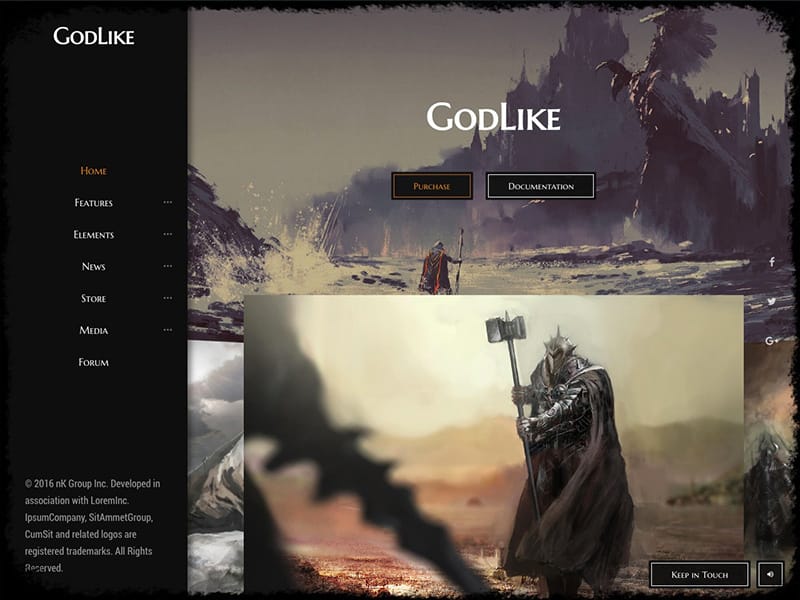
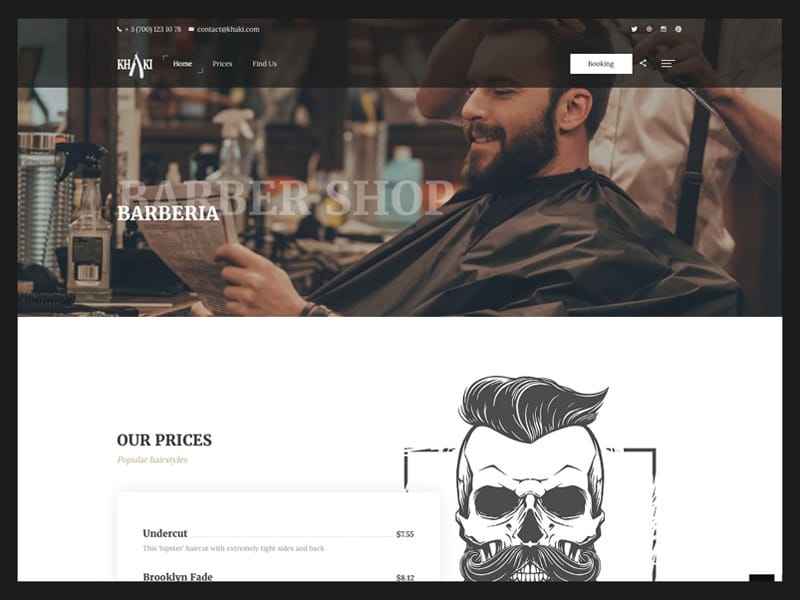
Connect a Dribbble account once and the plugin pulls your shots into WordPress as posts of its own, drawn by the same block as the rest of your galleries. The grid above is two columns on the Classic skin, so the date, author and excerpt sit under each image instead of over it. A click goes to the shot page on Dribbble, where the Social source points by default. The Instagram feed gallery runs on the same source, one tab over in the settings.
The alternative is doing it by hand. Save the shot, add it to the gallery, repeat after the next post. A connected account does that on a schedule and downloads the files to your own uploads folder, so the page serves your images, not Dribbble’s. For a dozen pictures that will never change, a plain media gallery is less machinery.
What the Dribbble import brings in
One connection is one account, and the shot itself comes across, not a link.
- Title, description, date, the shot images and its video, with you as the author. The Dribbble connection page lists them.
- Max Posts takes 1 to 100 and starts at 30. Dribbble never returns more than 100, so that is the ceiling.
- Your own shots. The Dribbble API does not expose other people’s work, so a feed of someone else’s portfolio is not possible.
- Order by Date or Title, direction ASC or DESC, with Date and DESC preselected.
- Like counts are never rendered. Comments appear for YouTube, Vimeo and Flickr, views for YouTube and Flickr, neither of them for Dribbble.
- Grid Columns runs 1 to 5 and starts at 3, with a 15 px gap between items.
- Save the same feed as a Saved Layout and Elementor, WPBakery and the Classic Editor can all place it.
Connecting the account in three steps
- Open Visual Portfolio, Settings, Social Feeds and pick the Dribbble tab. Click + Connect, then Get Access Token, authorize the app in the popup and press Save Changes. Saving starts the first import.
- Add a Visual Portfolio block, set Content Source to Social, then pick Dribbble as the Network and your account under it. An empty block usually means the import is still queued, and Visual Portfolio, Social Items shows the shots arriving.
- Under Layout choose Grid and set Columns to 2. On the Classic skin open Caption, then Elements, and turn Display Author on, set Display Date to Human Format, turn Display Excerpt on. Set Pagination Type to Infinite.
The Pro side of a Dribbble feed
Dribbble sits behind the license, together with the nine other networks and the Settings tab that holds the connection. Pro is not an add-on. It contains the free plugin, and settings and galleries carry over. The free versus Pro table has the split in full, and the tiers are on the pricing page.
- A license buys the Social content source, the Dribbble connection form, and the Social Items and Social Profiles screens in the admin.
- The Gallery block, Grid layout, Classic skin, author and date meta, lightbox and infinite scroll are free.
- Threshold Distance is Pro. It sits in the Pagination panel, takes 10 to 800 px and defaults to 400, the distance from the grid’s end at which the next page loads.
- Advanced click rules are Pro. A shot that carries a video can open in the lightbox while the rest link out to Dribbble.
Support questions about Dribbble feeds
How often does the feed pull new shots?
WP-Cron runs a full sync every two hours, five accounts to a run, plus a five minute job that refreshes one account older than three hours. Nothing fires on a site nobody is visiting, so a real server cron is what keeps the sync schedule honest. Sync All Accounts, on the Social Items screen, runs an import now.
Can I change a shot after it is imported?
Yes. Each shot arrives as a Social Item you edit like a post, with its title, content, featured image, format and original post URL. A sync only adds shots it has not seen, so your edits stay put. That cuts the other way too. A caption you rewrote on Dribbble will not come down on its own, and Purge Cache on the account re-imports the lot.
Where do the imported images live?
In wp-content/uploads/visual-portfolio-pro/, one folder per network, registered in the Media Library under the Social filter. Until the file has downloaded, the item shows the Placeholder Image from Settings, General. Unsplash is the one network whose photos are never copied to your server. See where social images are stored.